Public Category Articles
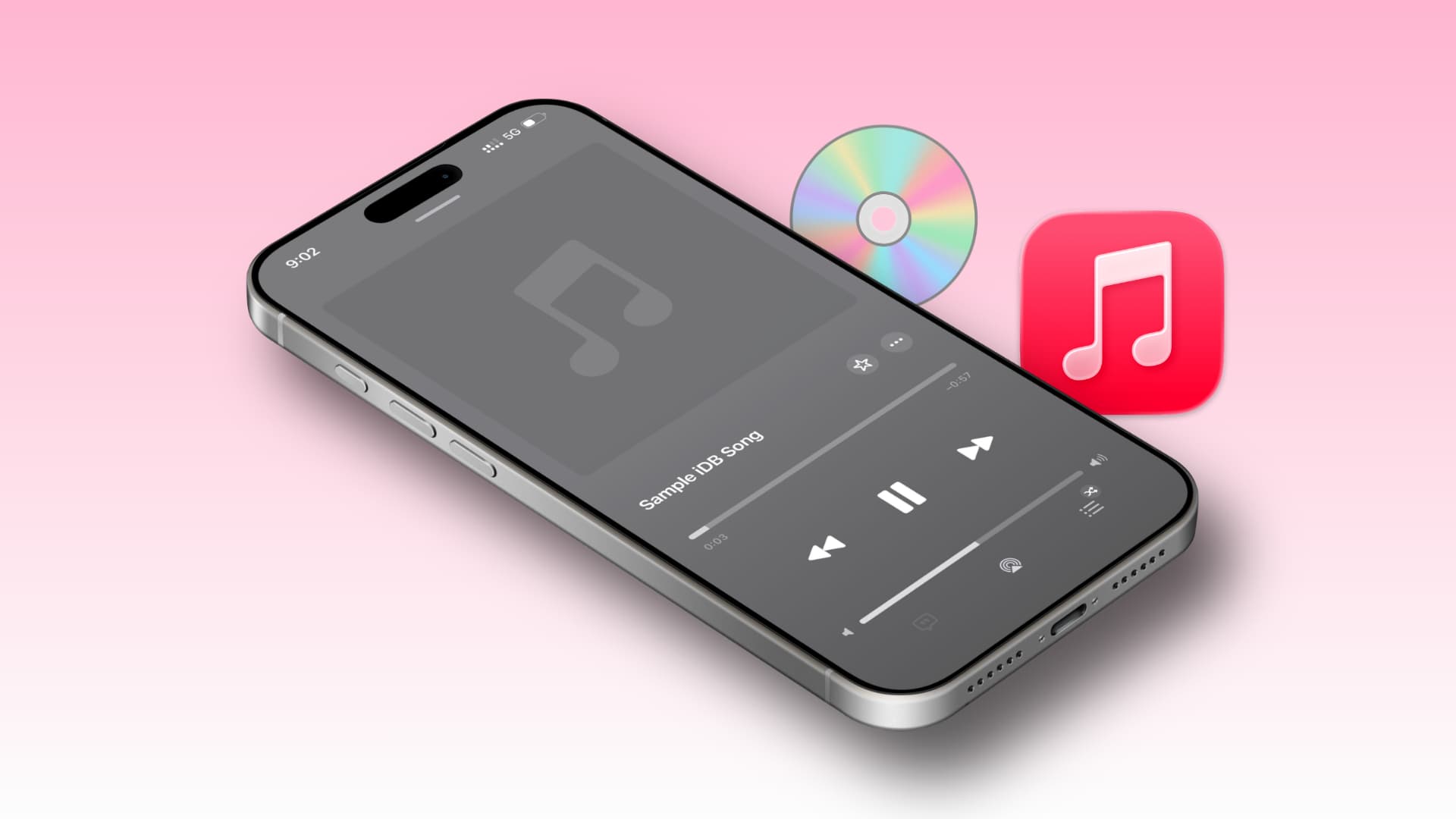
Methods for Uploading and Publishing Personal Songs to Apple Music
Learn how to upload the songs you've collected over the years to Apple's servers and how to stream these songs on all your devices that use Apple Music. When you subscribe to Apple Music for a monthly fee of $10.99 or $16.99 for a family plan, you g…
How to Import Photos from the Internet to the Apple Mail Application
If you are a new user and want to start learning the basics right away, find out how to add a photo from a web page to the Mail app on your iPhone, iPad, or Mac. When you create a new email or reply to someone, you will see a paperclip attachment bu…
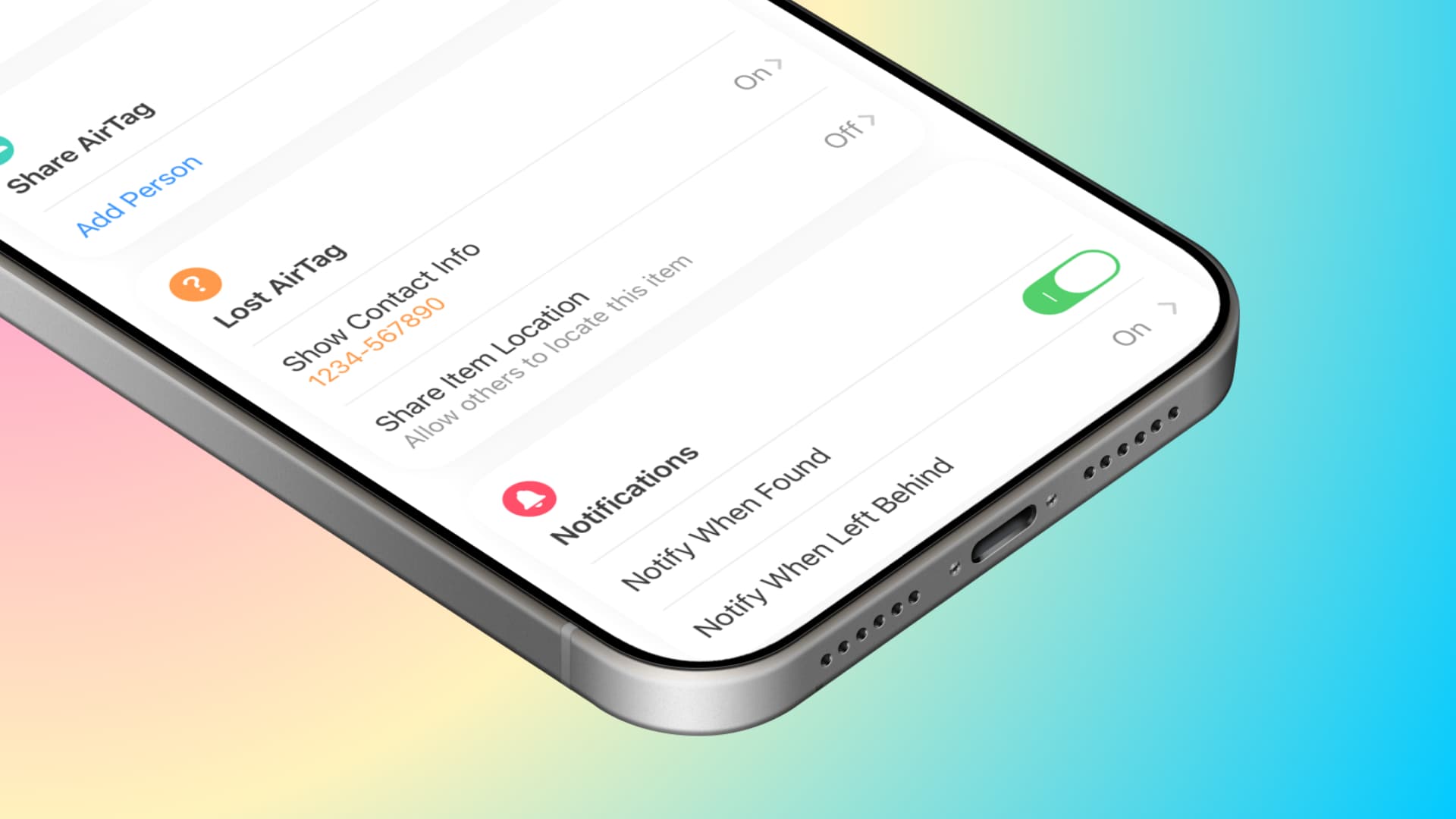
How to Set Your AirTag or Other Tracking Device to Lost Mode?
Learn how to mark your AirTag as lost and add your phone number and email address so that the person who finds it can contact you and return the item. Like the iPhone, you can activate Lost Mode for your lost AirTag or supported third-party tracking…
Solving iPhone screen shaking issue (if it's software-related)
If your iPhone or iPad screen is not functioning properly and is shaking continuously or randomly, learn what you should do if it disrupts your workflow. The shaking of the iPhone screen can be caused by software errors (which can be easily fixed) o…

Reading Issue of Downloaded EPUB Files on iOS
Learn how to open EPUB book files on your iOS device and review some solutions when an EPUB file does not open. EPUB (short for electronic publication) is one of the most popular e-book formats supported by almost all e-reader devices and applicatio…
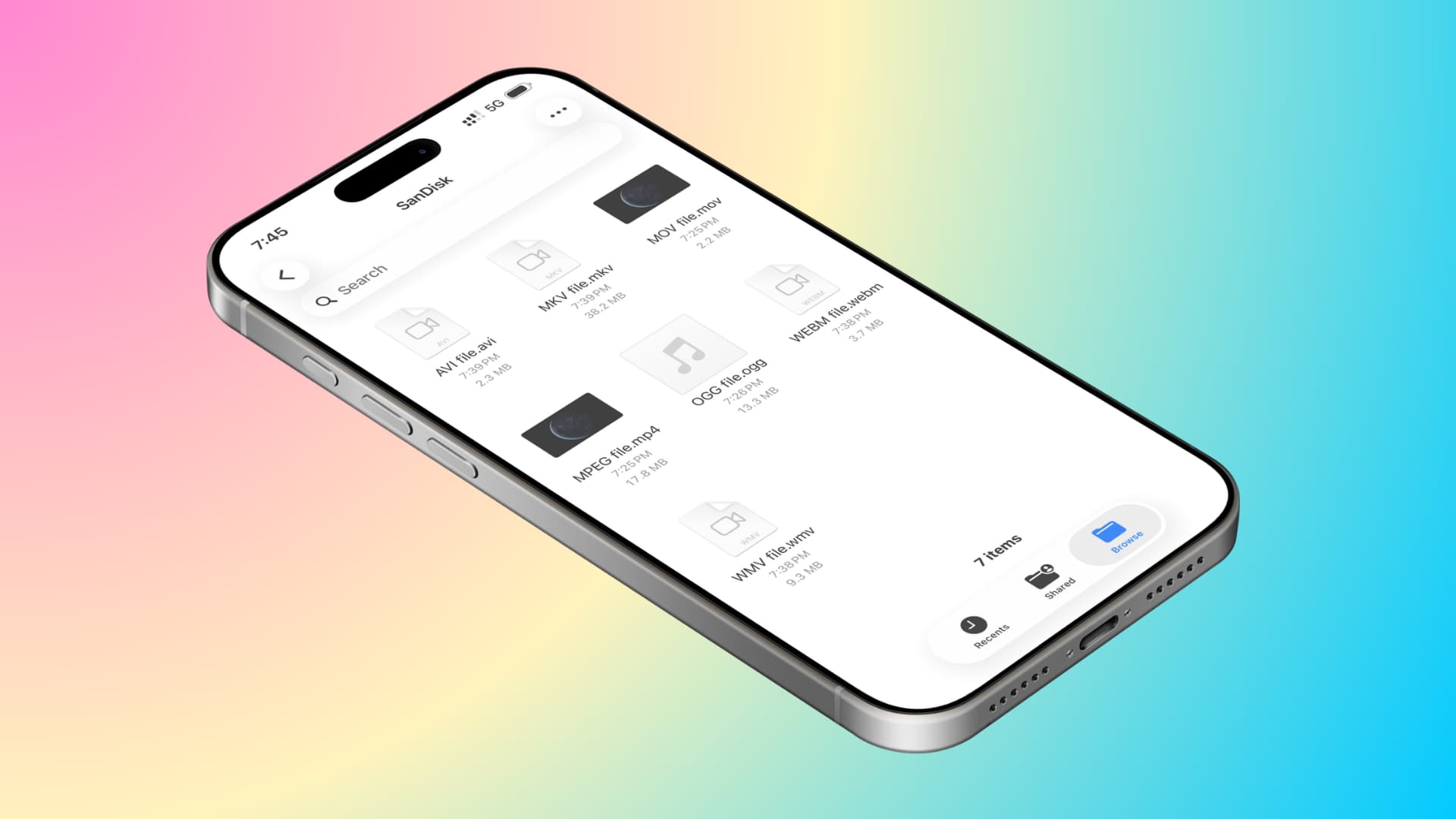
What to Do If You Can't Play Home Movies from a Flash Drive on iPhone or iPad?
Learn what to do if you have saved some video files to an external memory or SSD and they are not playing on your iPhone or iPad. You can connect a thumb drive or SSD (drawing less than 4.5 watts) directly to the USB-C or Lightning port of your iPho…
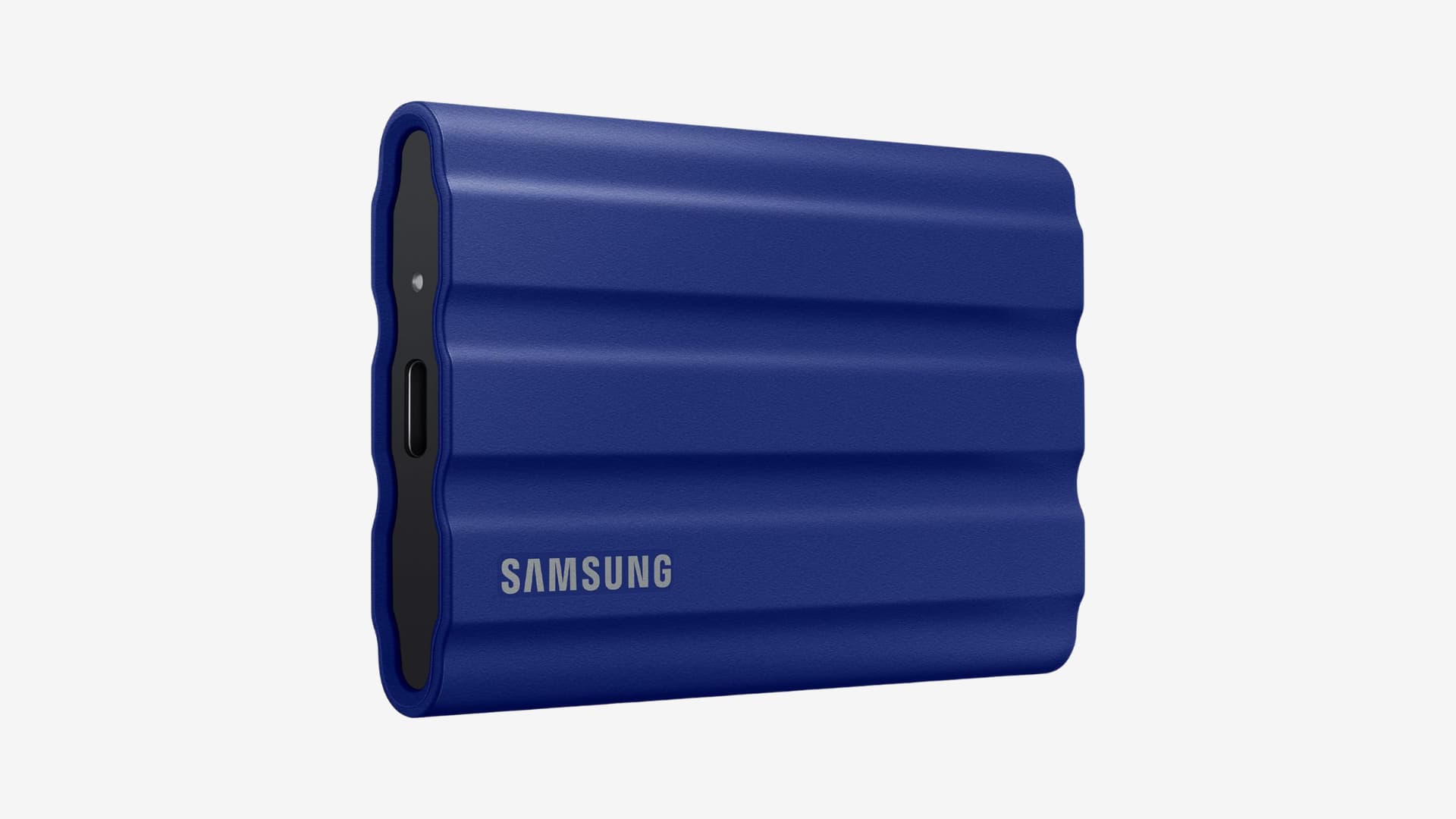
How to Automatically Open an Application When an External Drive is Connected on Mac
In this step-by-step guide, we will show you how to set up automation on your Mac to ensure that a specific application opens automatically when you connect an external SSD, flash drive, hard disk, or SD card. This is a simple tip that you will espe…
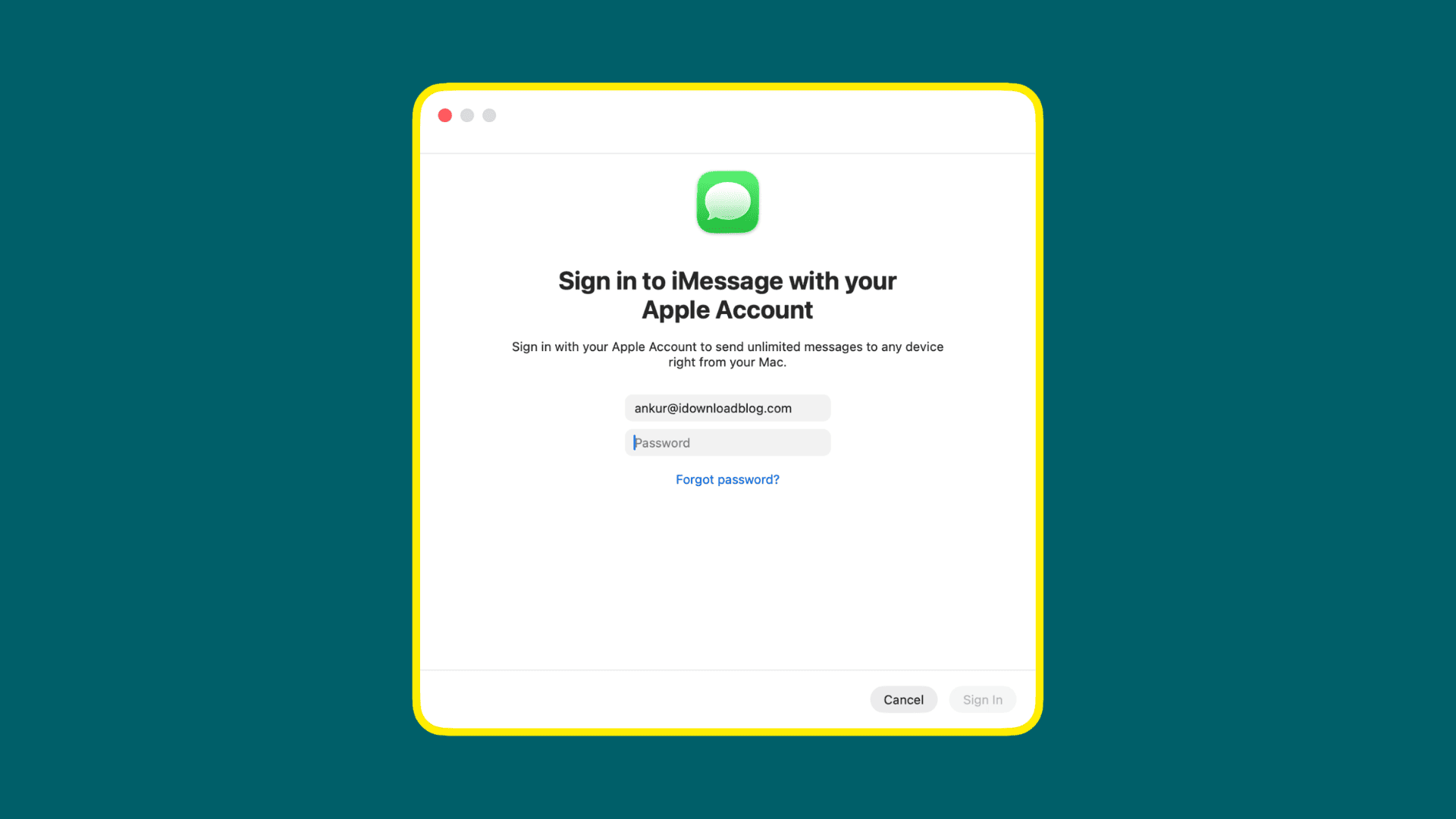
How to Fix Errors When Signing into the Messages App?
To use iMessage on your Mac or to sync your iPhone messages, you need to sign in with your Apple Account (formerly known as Apple ID). This is a simple process, but sometimes you may encounter random errors that prevent you from signing in. When you …
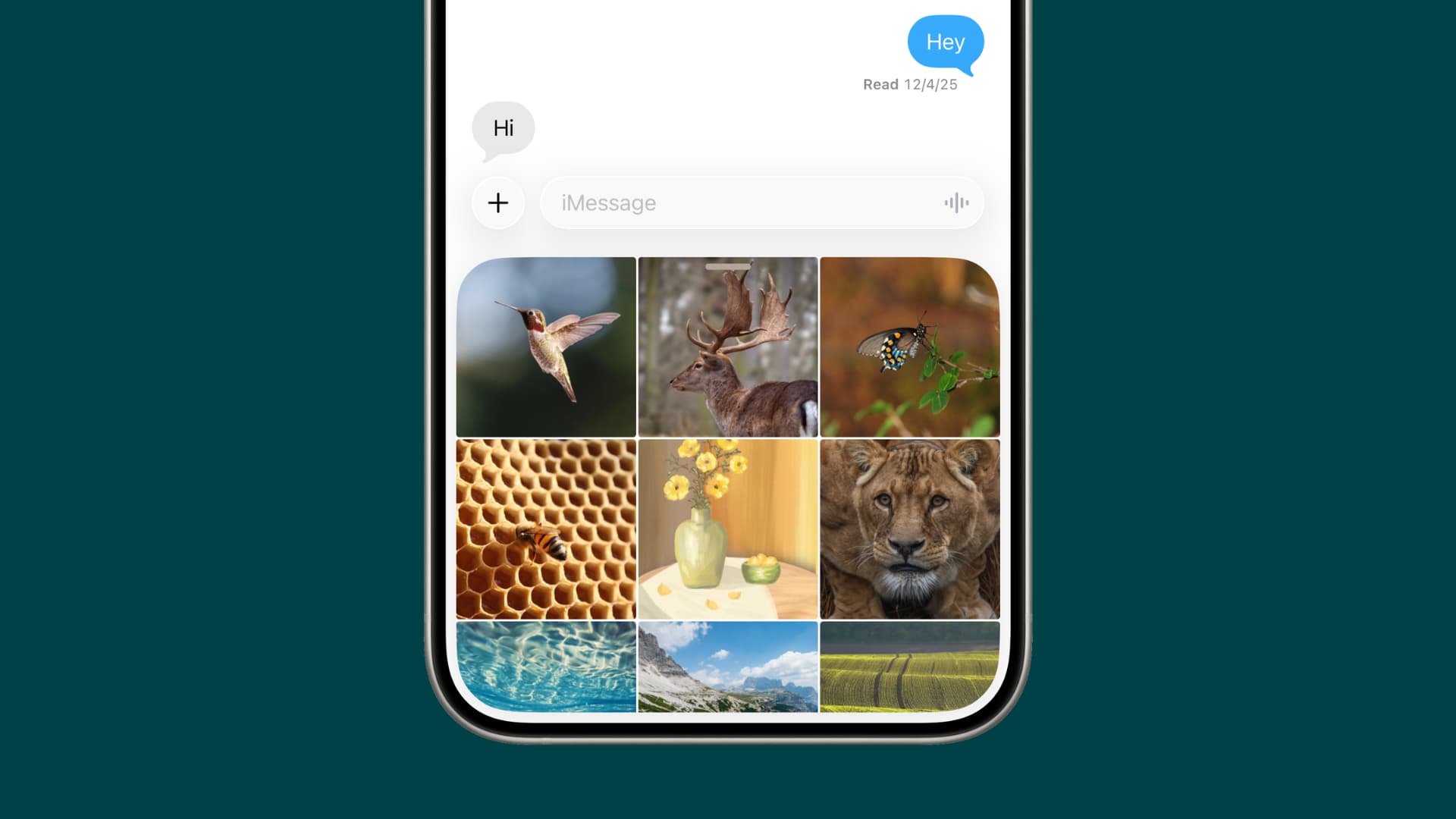
Issue of Photo Picker Not Showing in iPhone Messages App
If you want to send photos and videos through the Messages app, but the photo picker is not visible on your iPhone or iPad, follow these quick tips. First, you can send images and videos via iMessage, MMS, and RCS without leaving the Messages app. A…

How to Reset an iPhone Linked to a Deleted Apple Account?
In this guide, we explain your options for erasing and setting up an iPhone or iPad linked to a deleted or forgotten Apple Account that you do not have access to. When setting up a new iPhone, you are encouraged to sign in with an Apple Account (for…
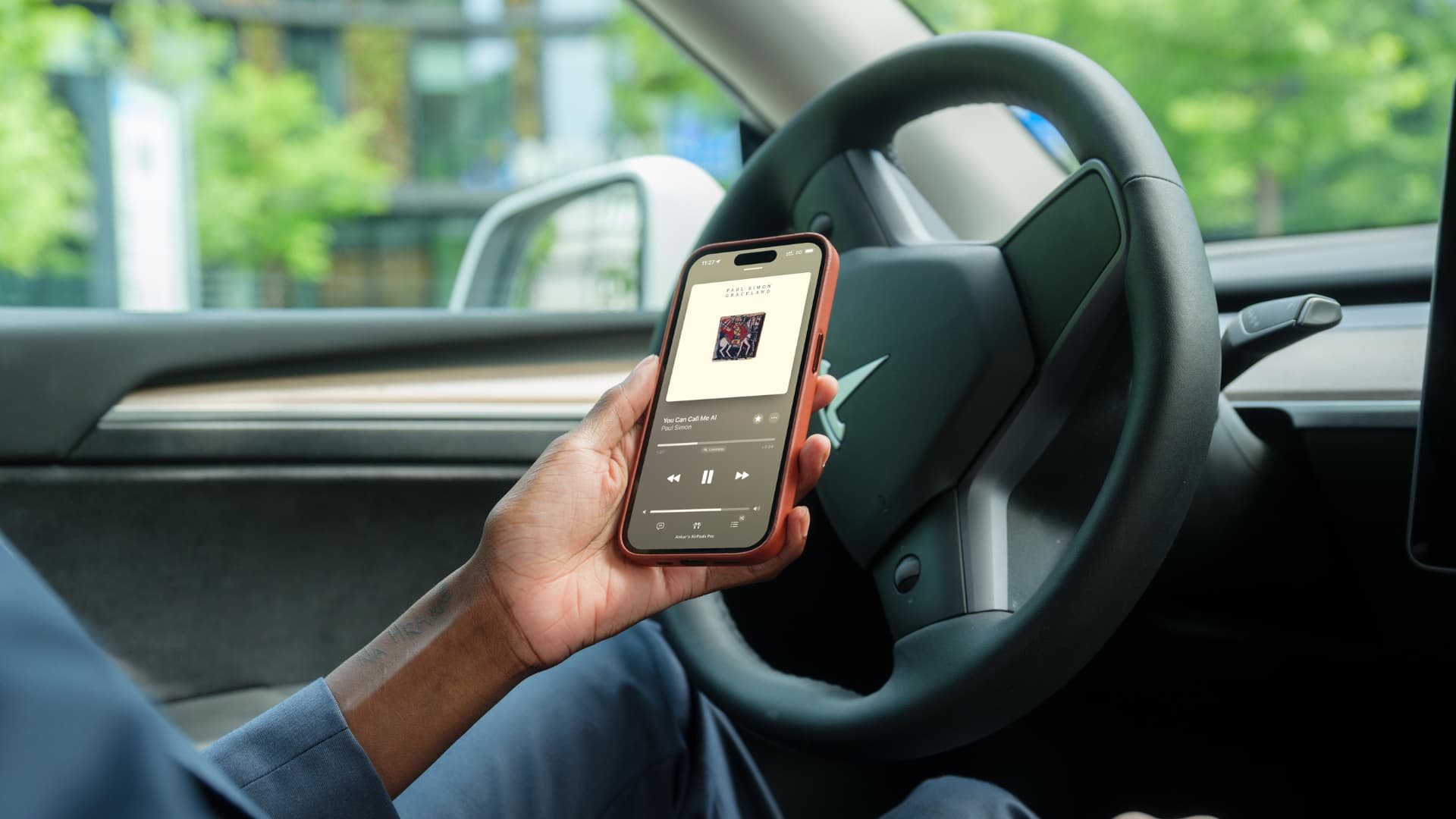
Keep Your iPhone Connected to Your Car with AirPods
Learn how to ensure that your iPhone continues to play audio through your connected AirPods or wireless headphones when you start your car and your iPhone automatically connects to your car's Bluetooth or CarPlay. When you start your car, your iPhone…
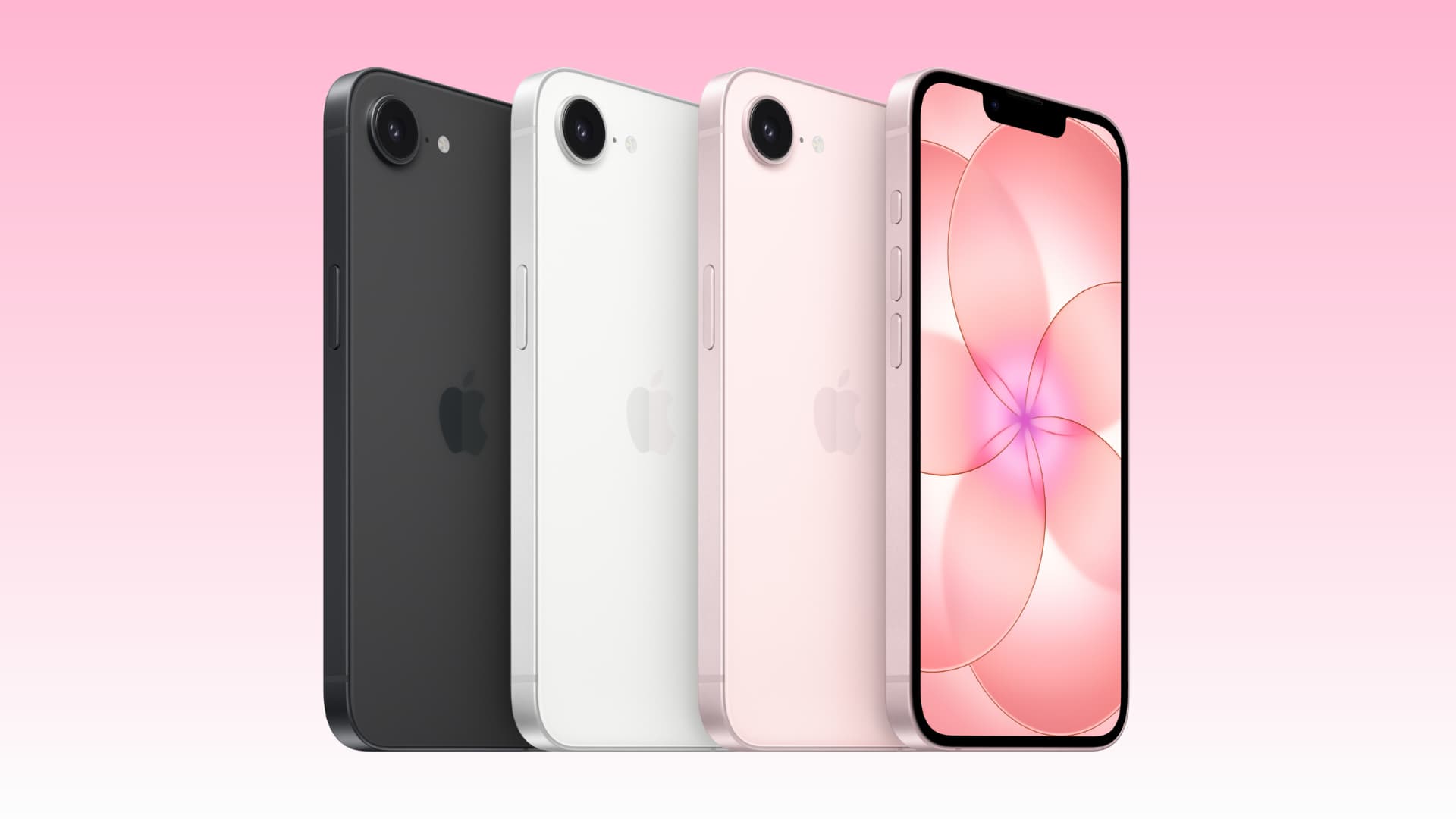
9 Reasons to Buy the iPhone 17e
Apple introduced the new version of its most affordable iPhone model, iPhone 17e, with a press release on March 2, 2026. Compared to last year's iPhone 16e, the new iPhone 17e offers more base storage, supports MagSafe accessories, and comes in a new…
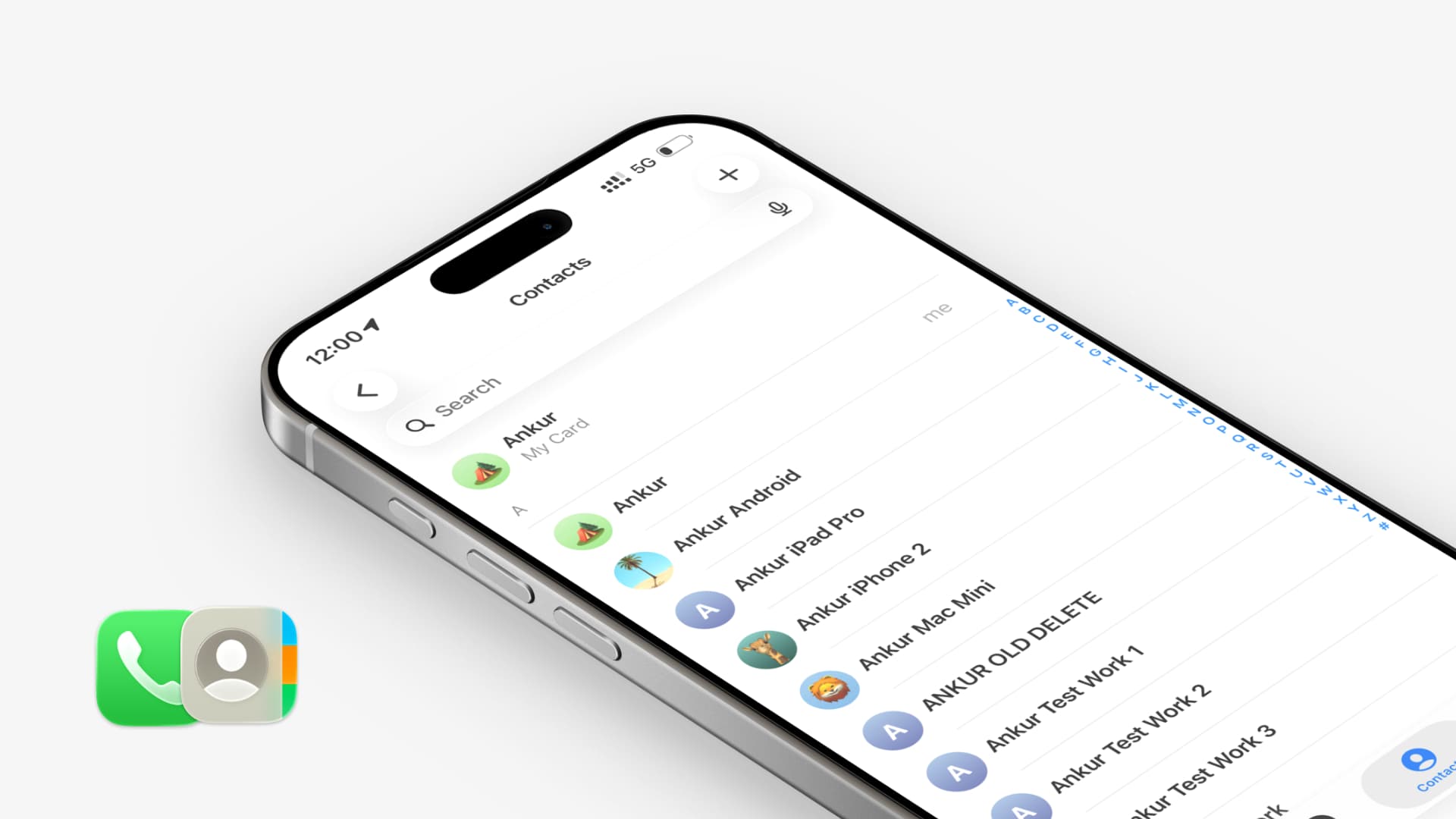
Fixing the Sudden Disappearance of iPhone Contacts in iOS 26
If you experience the sudden disappearance of some or all contacts from your iPhone or iPad running iOS 26, review these troubleshooting tips. There is an active thread on the Apple Community forum discussing missing contacts from iPhones. This threa…
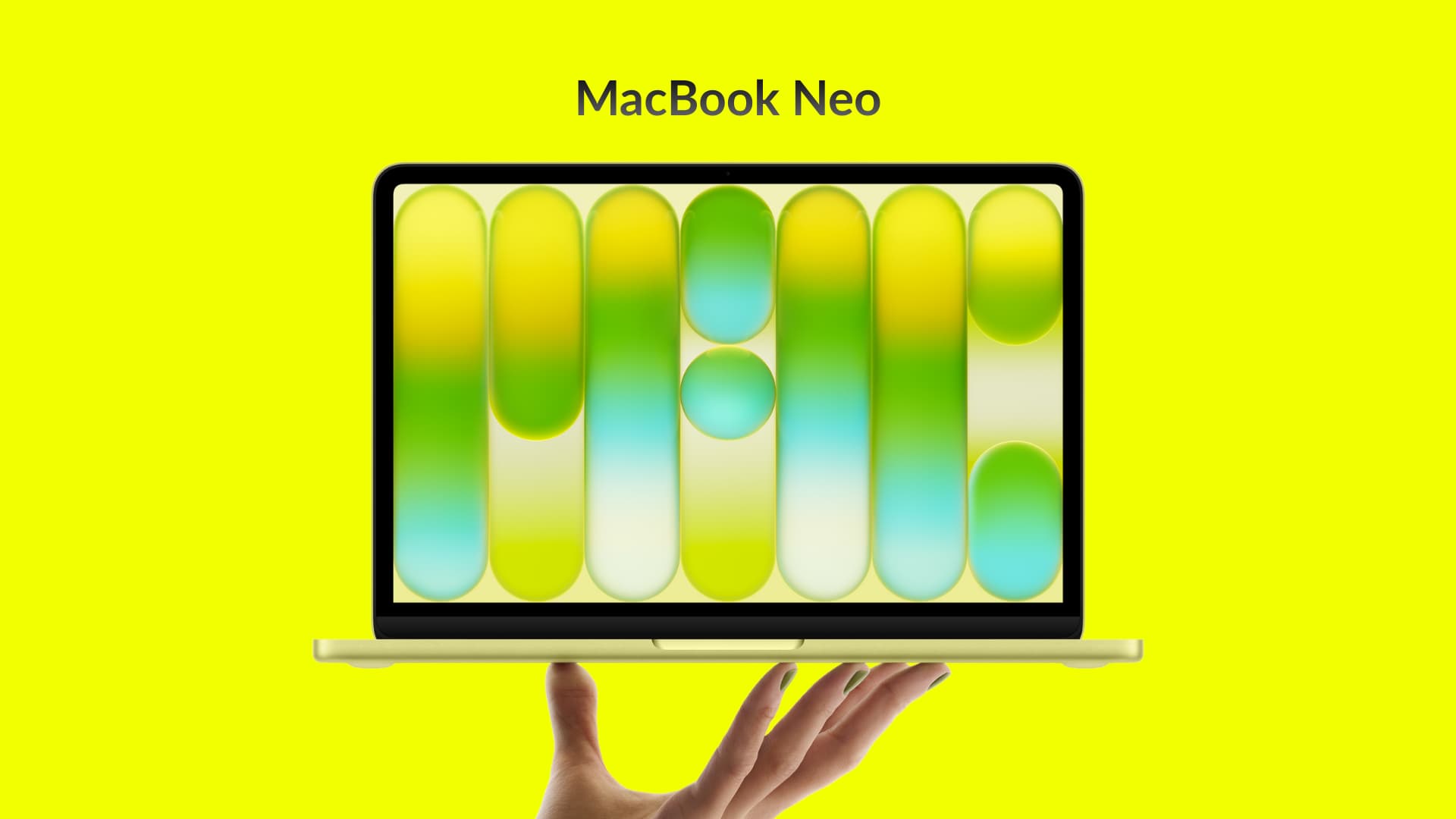
Everything About the New MacBook Neo
Apple has introduced a new laptop model called MacBook Neo. This model joins the Pro and Air series. The MacBook Neo is an affordable Mac starting at $599. With the education discount, the price drops to just $499. This presents a great opportunity …
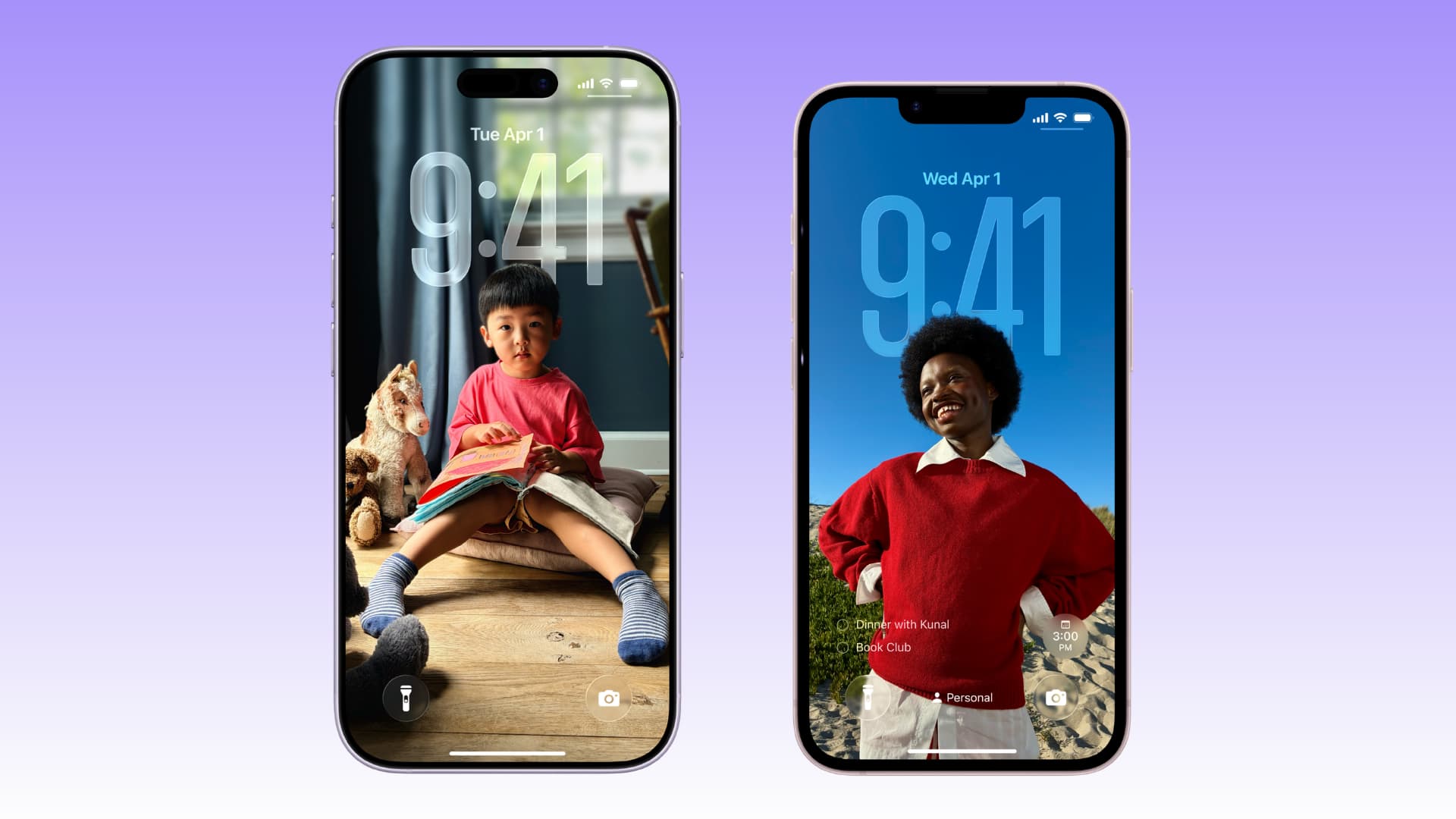
What You Get for the $200 Difference Between iPhone 17 and iPhone 17e
The most affordable smartphone in Apple’s current product lineup is the new iPhone 17e, starting at $599. The regular iPhone 17, introduced last September, starts at $799. In this article, we will discuss the fantastic upgrades you get when you pay a…