Public Category Articles - Page 2

What's Changed (and What's Stayed the Same) in the New 2026 Studio Display
Apple has updated the 5K Mac monitor Studio Display after a four-year hiatus. While many things like screen size, 5K screen resolution, and dimensions remain the same, there are some useful upgrades such as a more powerful processor, support for dais…
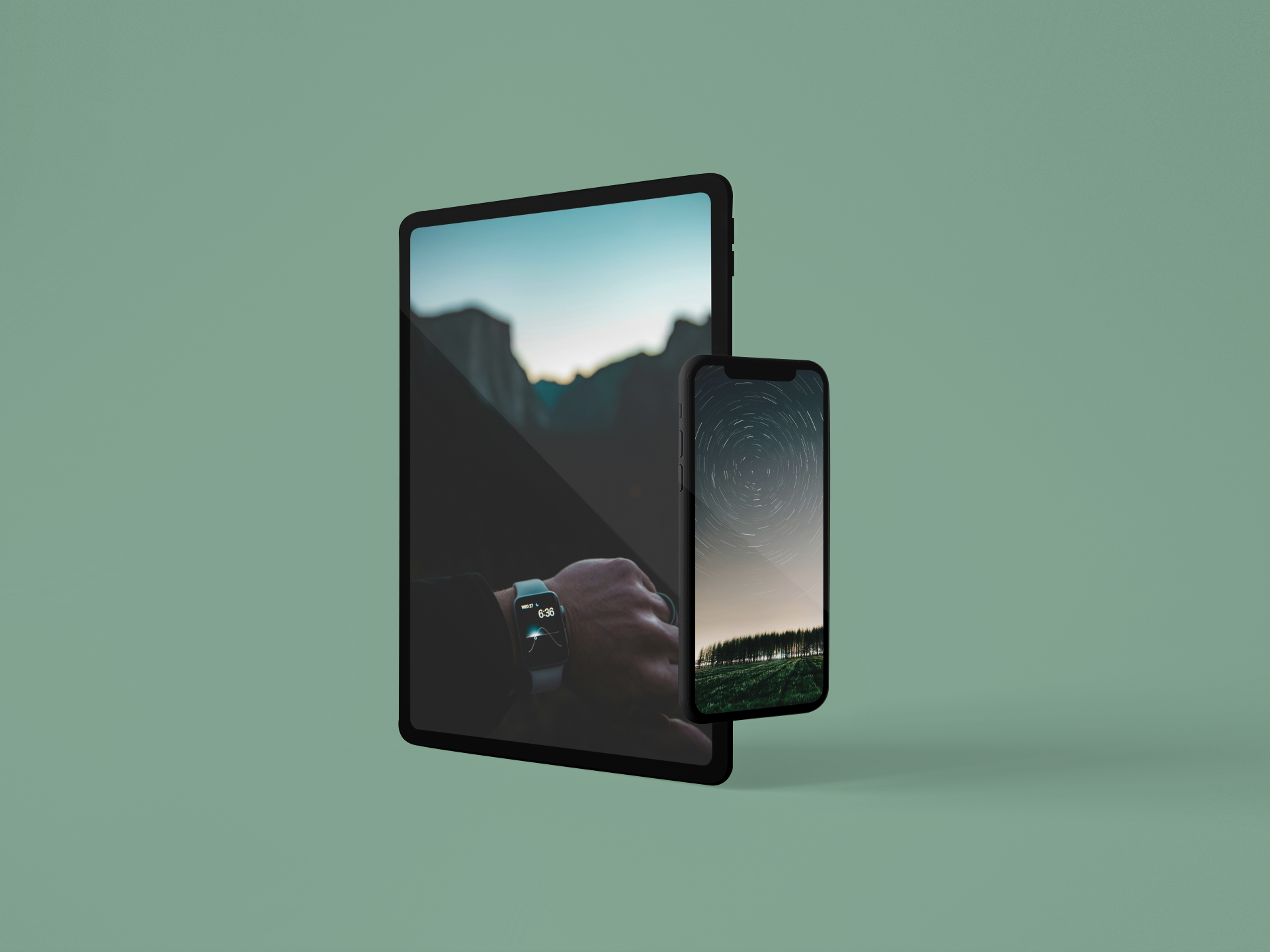
Time-Passing Wallpapers for iPhone
With the arrival of spring, clocks are set one hour ahead in regions that observe daylight saving time. This can also be seen as a sign of the continuous passage of time. To symbolize this change, download these time-passing wallpapers for iPhone. Ti…
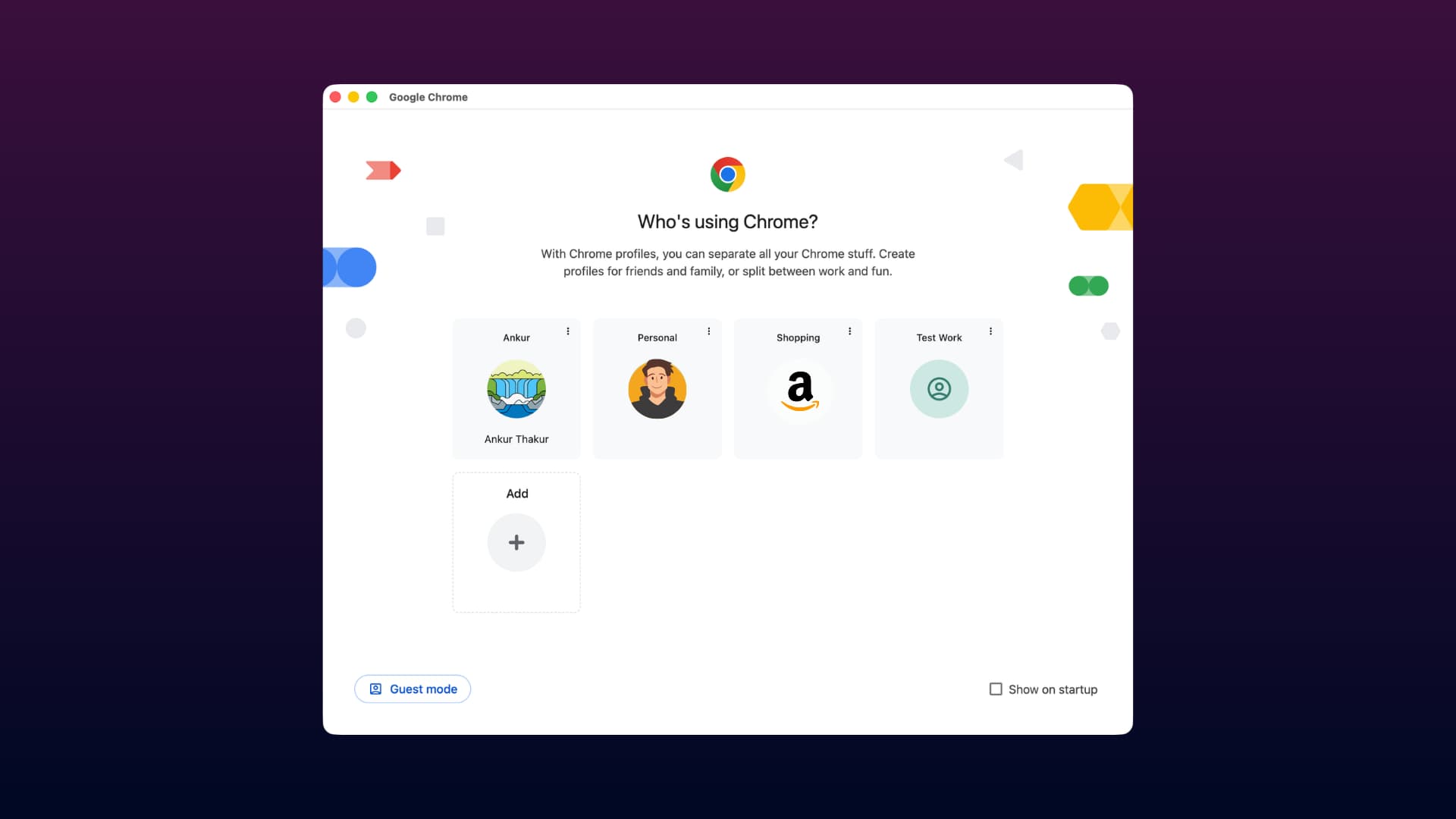
How to Create and Use a Profile in Google Chrome on Mac
Learn how to add a second, third, or more profiles to Google Chrome on your Mac so you can keep your online accounts, browsing history, bookmarks, and everything else separate. Why I Use Chrome Profiles Chrome is my default web browser on my Mac, and…
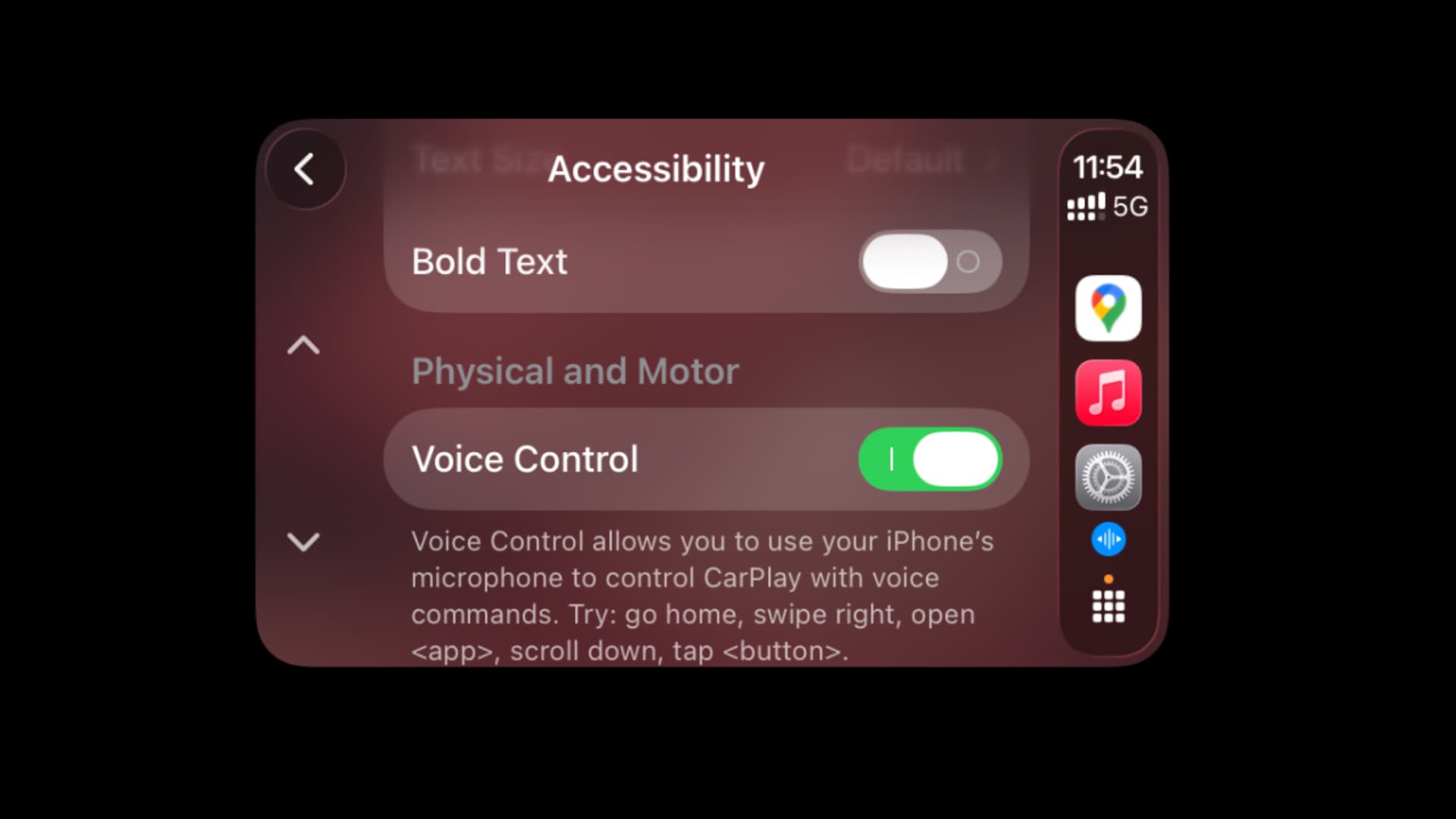
How to Use Handsfree Voice Control in CarPlay on iOS 26
Learn how to use the Voice Control feature in CarPlay with your iPhone running iOS 26. With this feature, you no longer need to touch the screen to navigate apps, return to the Home Screen, or interact with your vehicle's display. To start, you can a…
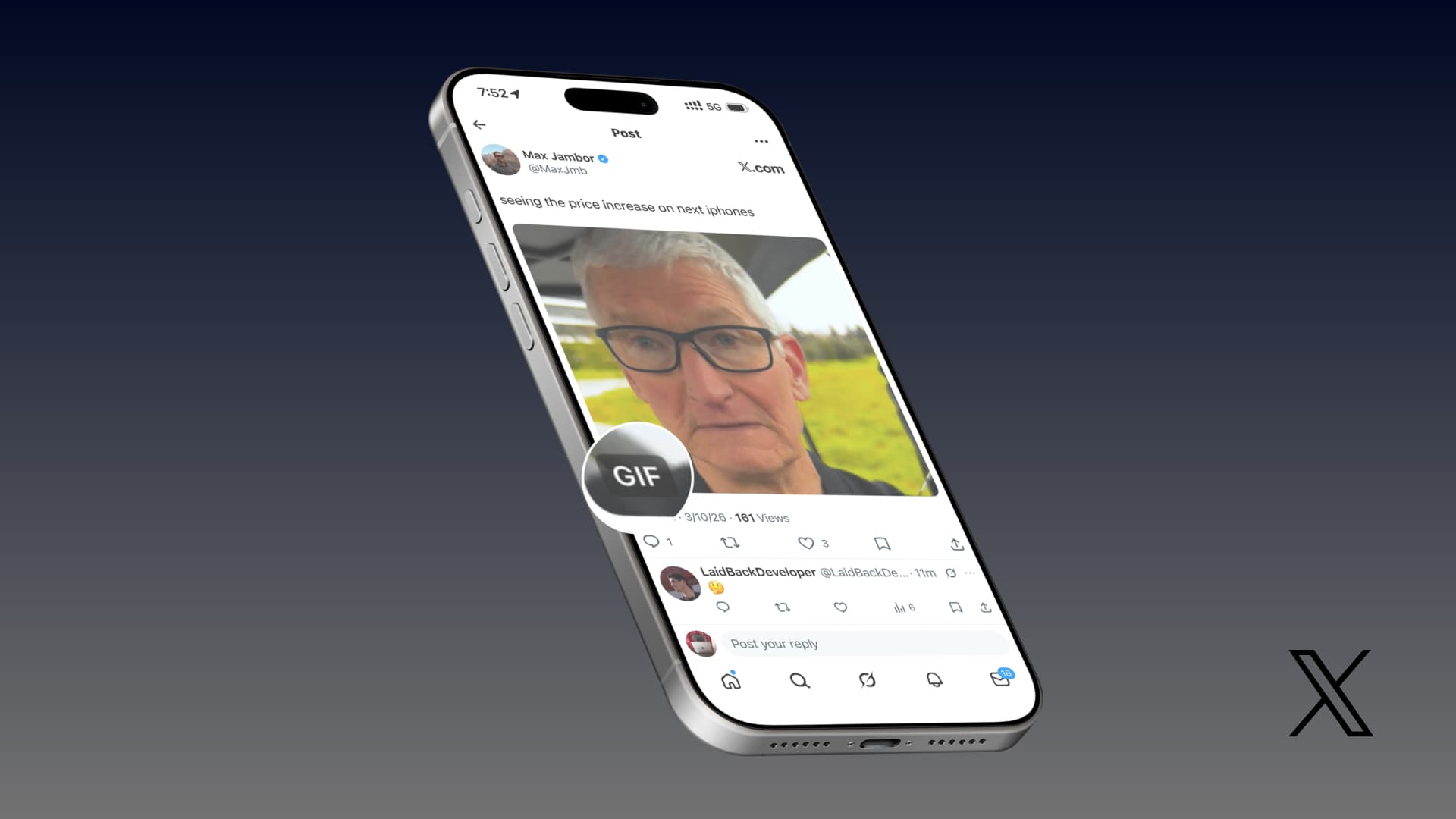
How to Save GIFs from X App to iPhone Photos App?
In this guide, we explain four ways to save GIFs from the X app (formerly known as Twitter) to the iOS Photos app on your iPhone or iPad. X allows all users to effortlessly save static images from the platform to the Photos app. Additionally, you ca…
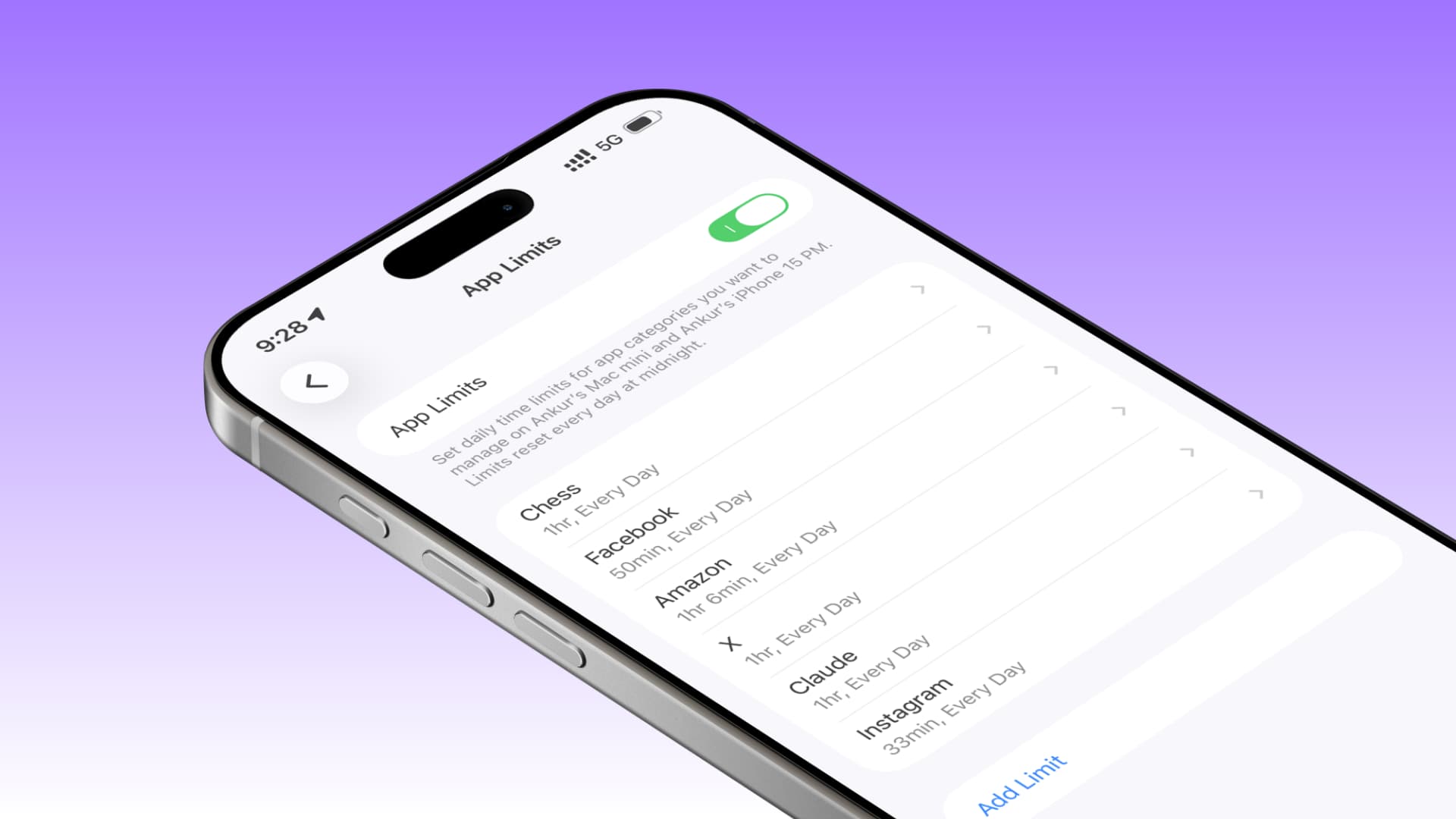
Solutions If Screen Time App Limits Are Not Working in iOS 26
If daily app limits are not effective and app usage is not blocked after the set time, use these tips. Set a Screen Time Passcode The main purpose of the App Limits feature is to block app usage after a certain time has expired, and there is a "Bloc…
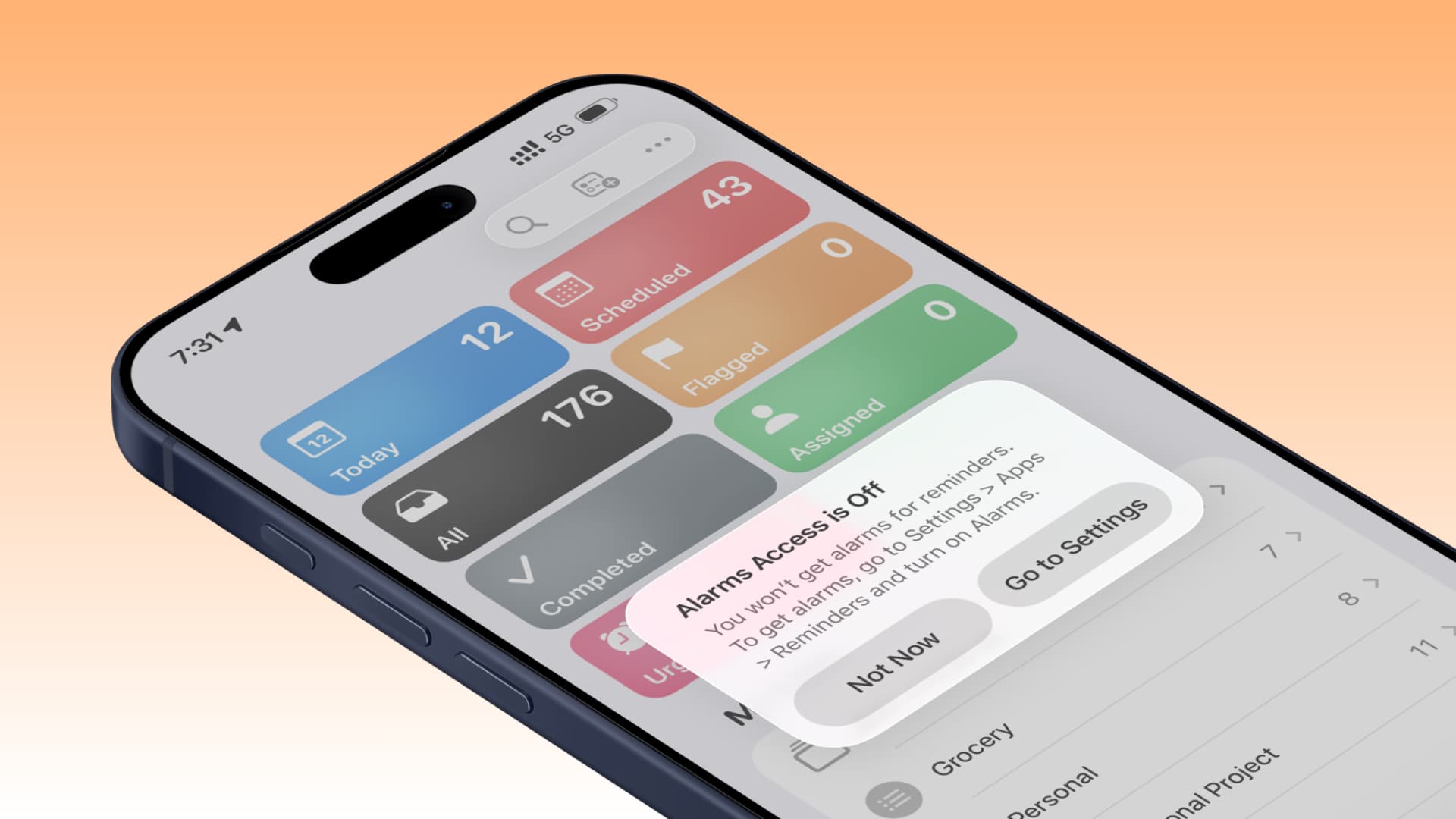
Correction: "Alarm Access Disabled" Message in iOS 26 Reminders
If you are running the latest iOS 26 version on your iPhone and constantly see the "Alarm Access Disabled" pop-up when you open the Reminders app, learn what you need to do. What is the reason for this? iOS 26.2 and later versions include a thoughtfu…
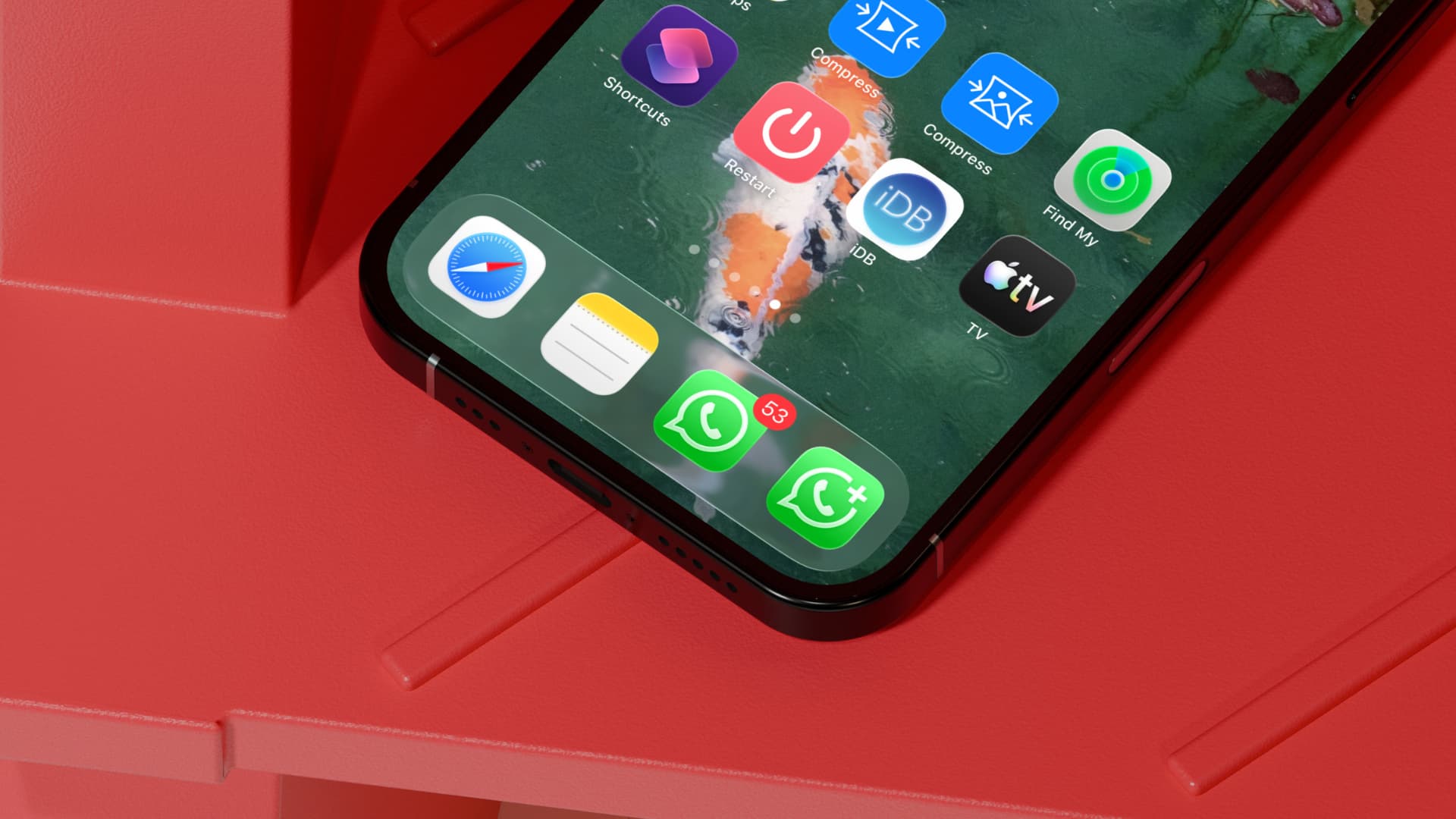
11 Ways to Secure Your WhatsApp Account on iPhone
Review a quick checklist to help secure your WhatsApp account and protect it from hackers and unauthorized access. WhatsApp is the world's most popular instant messaging service, and scammers, hackers, and other malicious individuals are constantly t…
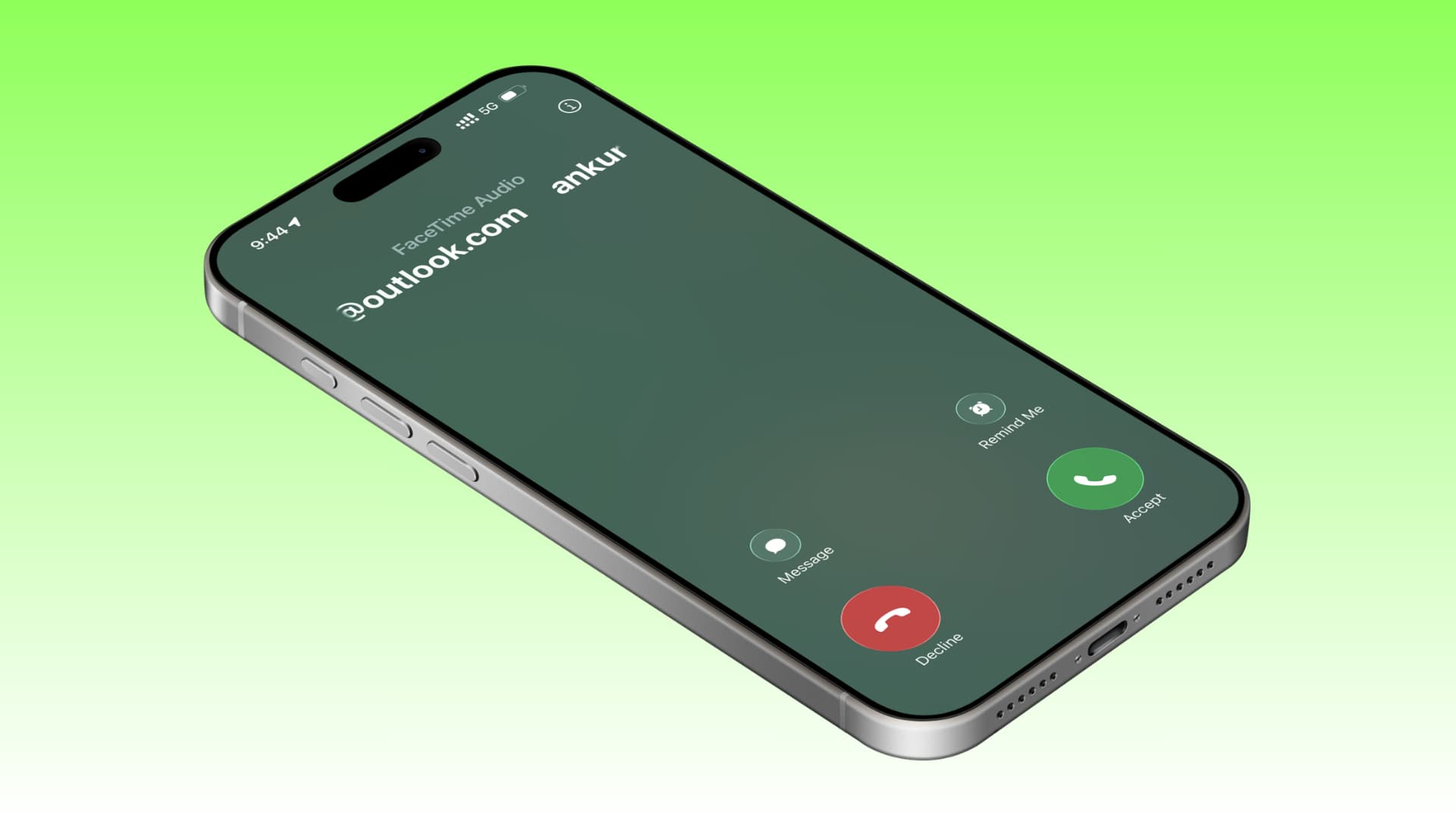
Methods to Disable All Call Filtering Features on iPhone
Learn how to disable local and third-party call tracking features on your iPhone. This way, the system will not mark or block incoming calls (including robocalls, unknown, and spam calls). Thus, you will receive all calls made to your number. The iPh…
How to Clear Facebook Cache on iPhone or iPad?
Learn how to delete the Facebook app cache on your iPhone or iPad. This process can resolve various issues and help you free up local space. The Facebook app itself is about 400 MB in size, but the size of documents and data can increase exponential…
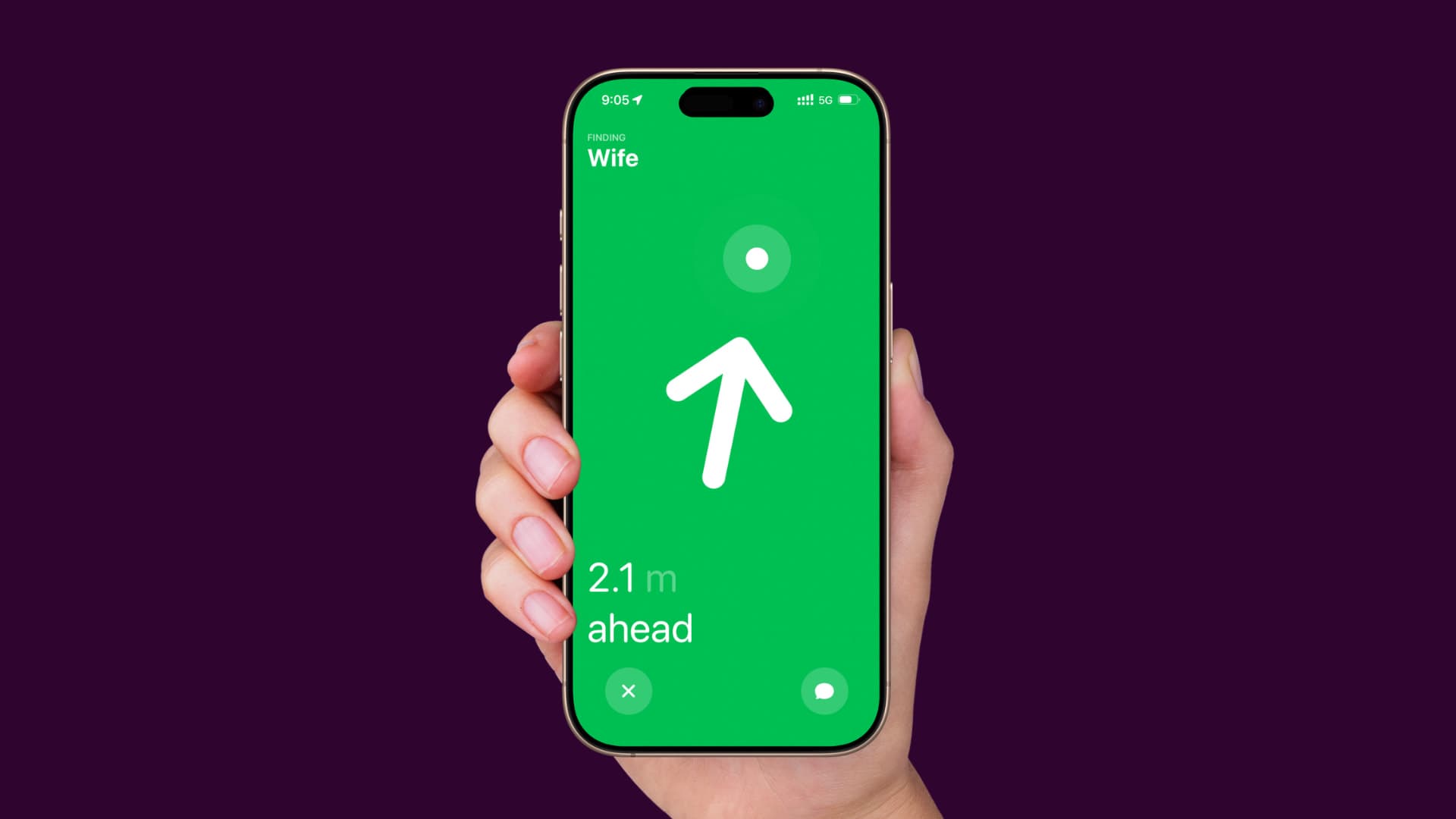
iPhone Precision Finding Not Working Issue
If you cannot determine the exact location of your AirTag, AirPods case, or people sharing their location with you, take a look at these quick tips. Using Precision Finding Before getting started, here’s a quick reminder on how to use Precision Findi…
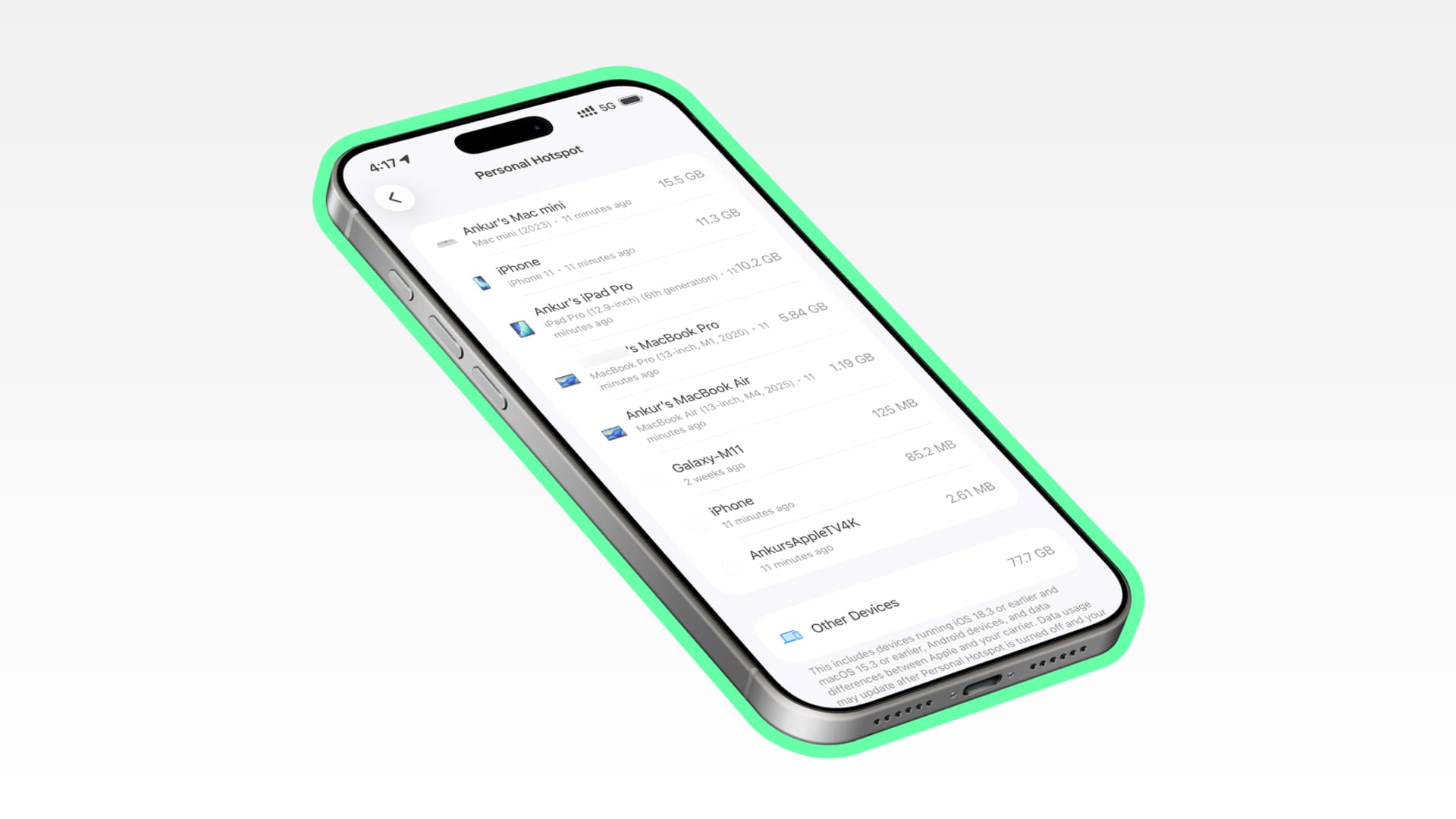
Viewing Device-Specific Personal Hotspot Usage on iPhone
This short guide shows you how to check the amount of cellular data used by each device connected to your iPhone's Personal Hotspot. iOS has long allowed users to see the total mobile data amount used on Personal Hotspot. iOS 26.4 shows this data in …
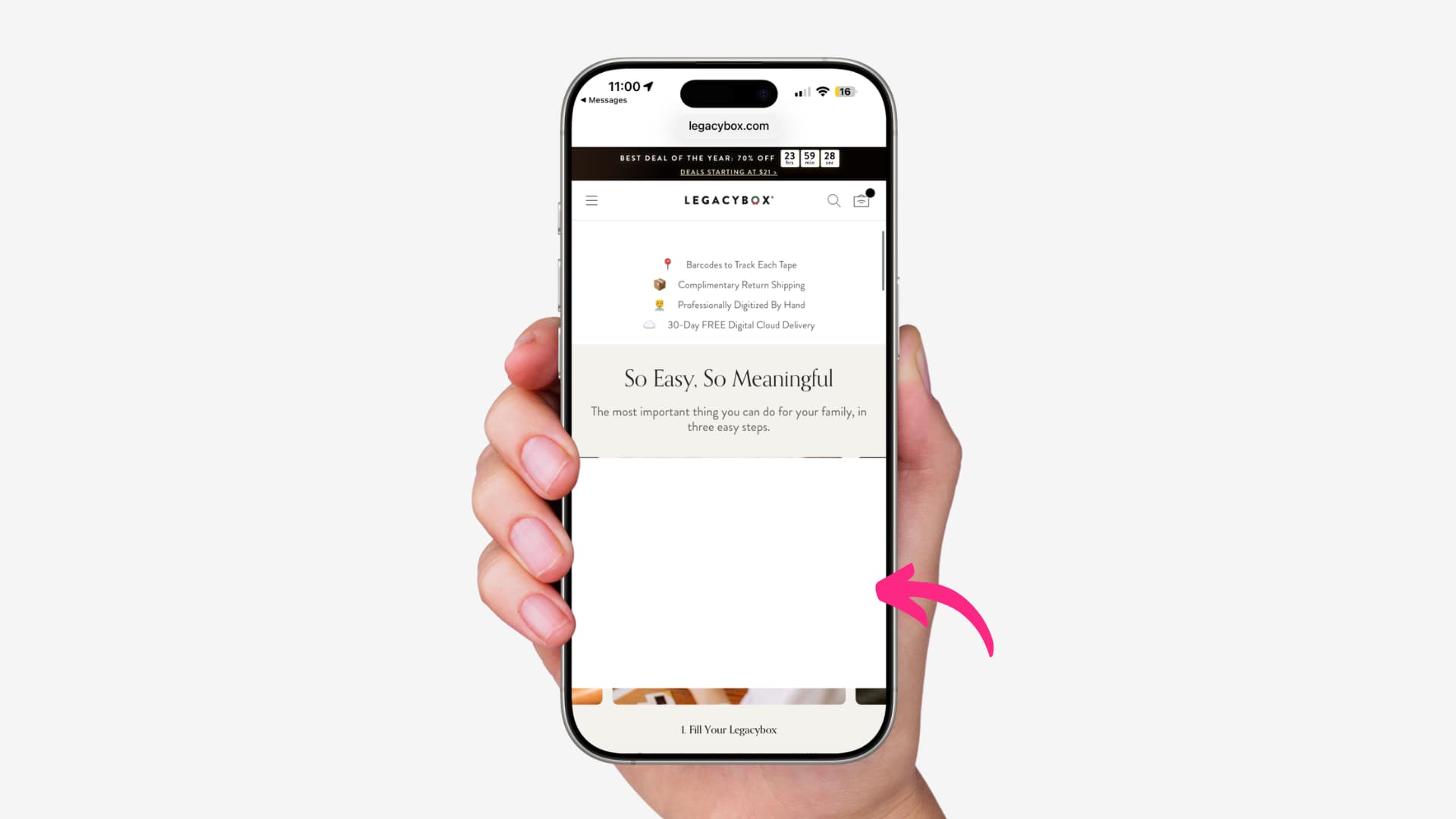
iOS 26 Safari Web Page Content Cutting Issue
Learn what to do when browsing in Safari on an iPhone with iOS 26 and experiencing the issue of web page content being cut off, leaving a blank white area at the bottom of the page. Image: EmilyHaze Some users have reported that Safari suddenly cuts …
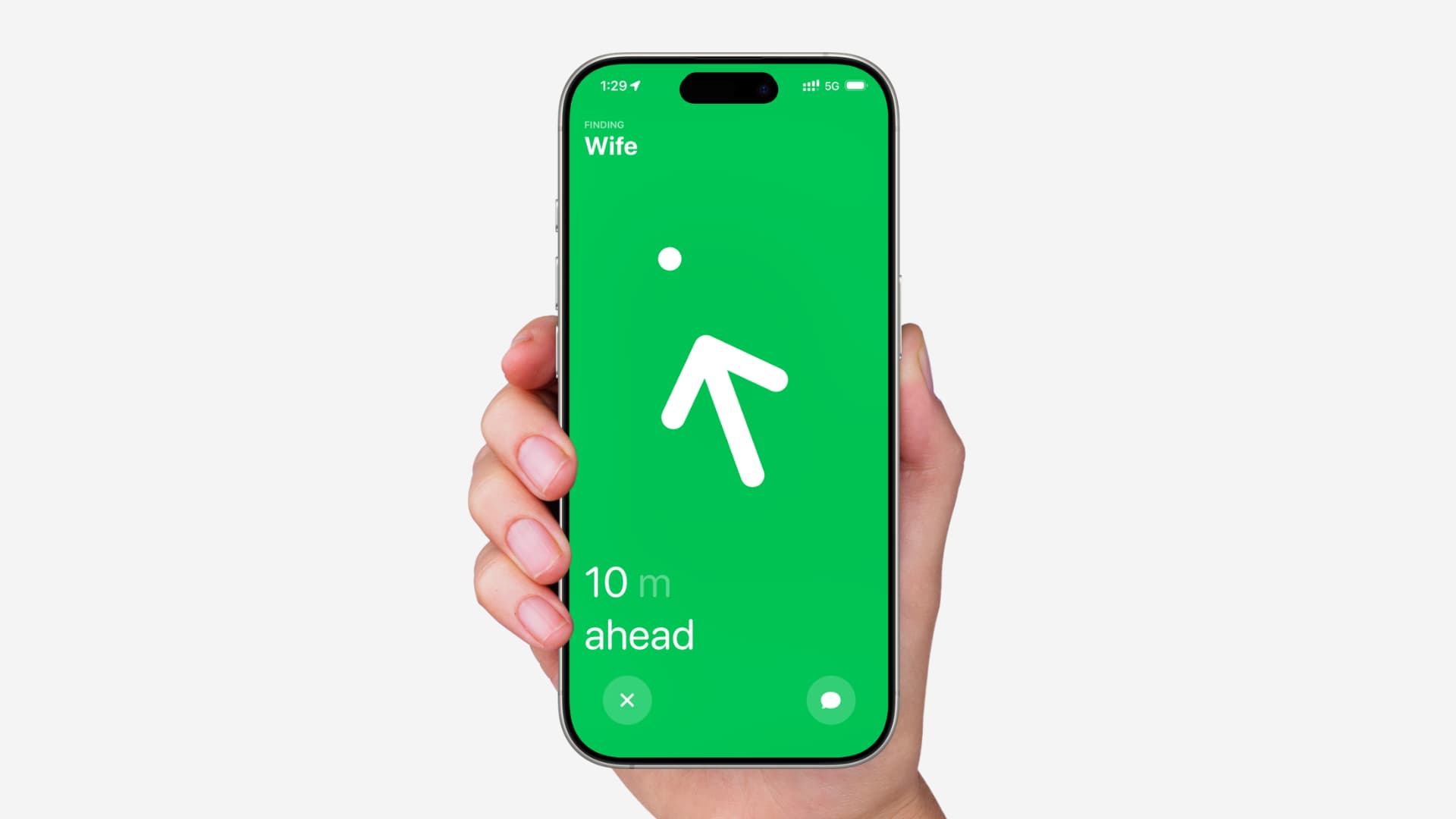
Ways to Find Family and Friends in Crowded Places
Learn how to find your family members or friends in crowded places like concerts, shopping malls, markets, stadiums, and more using the Precision Finding feature in the Find My app on their iPhones. Precision Finding is a feature you use to locate yo…
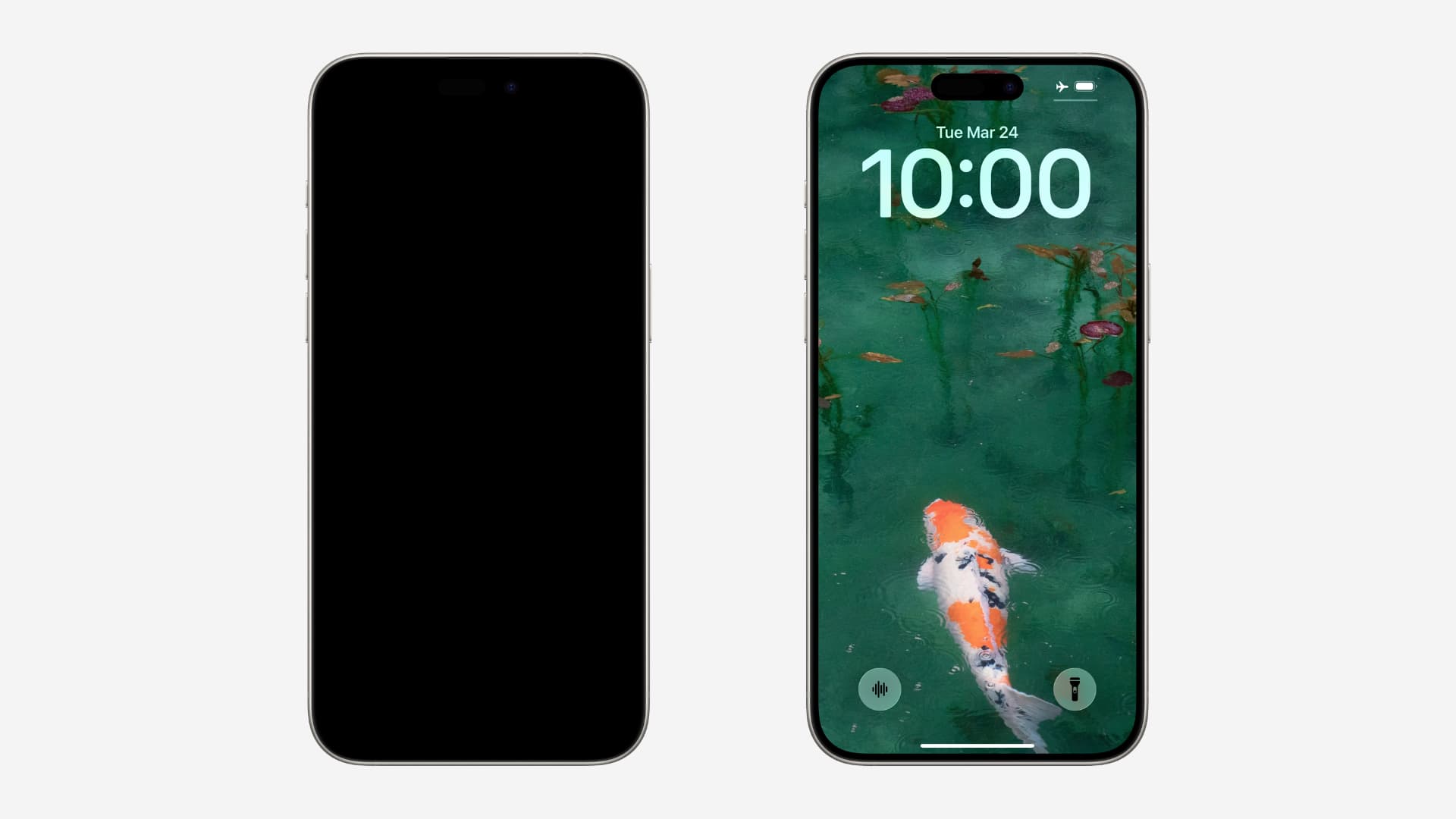
Solutions If Your iPhone or iPad Won't Wake Up
If you cannot wake up your iPhone or iPad screen and therefore cannot unlock it, take a look at these quick tips. You can wake up your iOS device using one of the methods below: Tap the screen with a finger or tap the iPad screen with an Apple Penc…