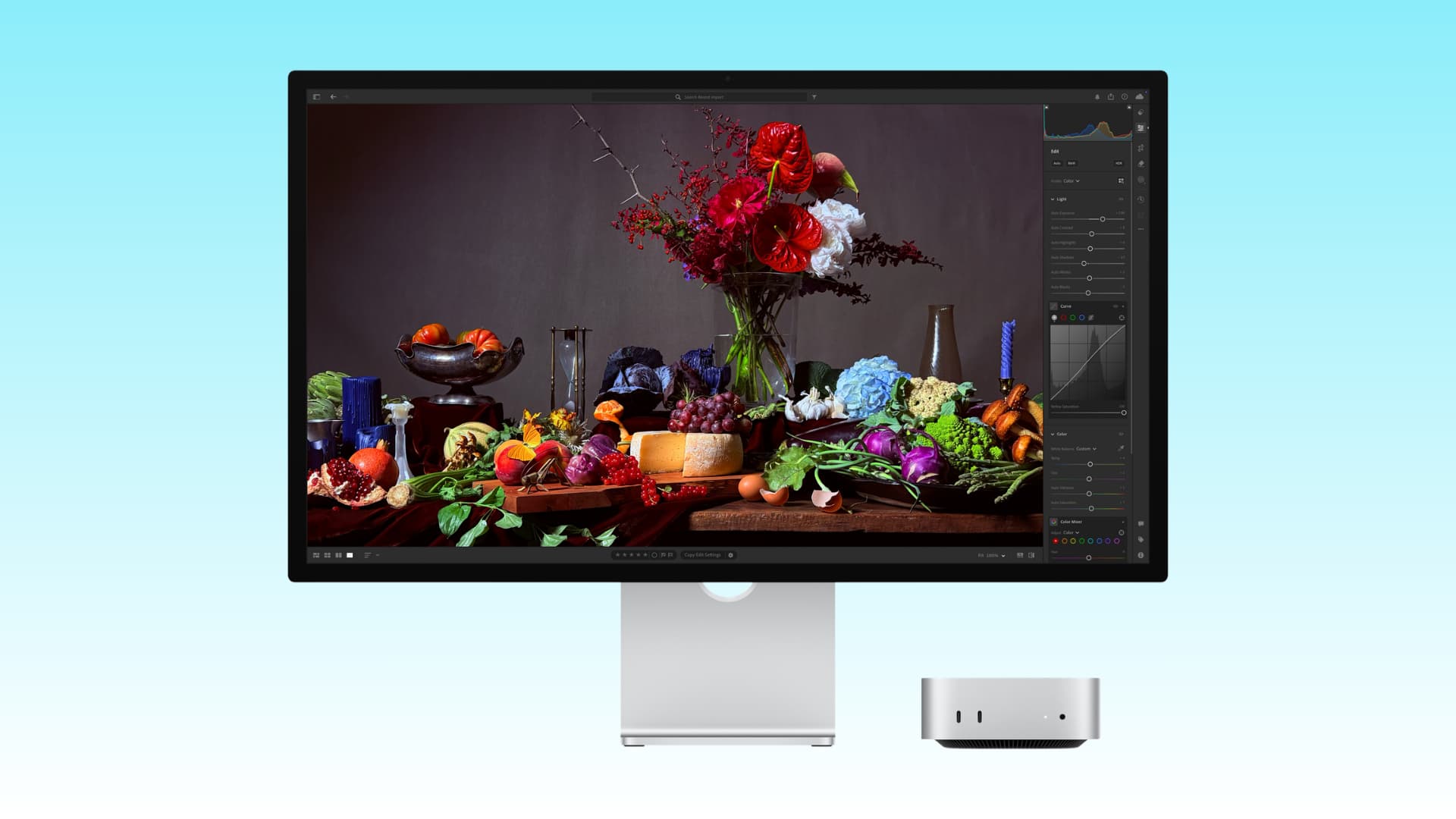
Apple has updated the 5K Mac monitor Studio Display after a four-year hiatus.
While many things like screen size, 5K screen resolution, and dimensions remain the same, there are some useful upgrades such as a more powerful processor, support for daisy-chaining multiple Studio Displays, and a better camera.
Here’s what has improved and what has stayed the same.
In 2026, Apple released two models of the Studio Display: the standard Studio Display ($1599) with a 60Hz refresh rate and the Studio Display XDR ($3299) which comes with mini-LED backlighting, a 120Hz screen, enhanced color accuracy, DICOM medical imaging presets, and a Medical Imaging Calibrator for diagnostic radiology.
This guide focuses on the more affordable standard model.
What's Changed

Processor: The 2026 Studio Display uses the same A19 chip found in the iPhone 17 and the new iPhone 17e. The 2022 Studio Display came with the A13 Bionic chip found in the iPhone SE (2nd generation) and iPhone 11 series. The more expensive Studio Display XDR uses the A19 Pro chip found in the iPhone 17 Pro and 17 Pro Max.
More RAM: The new 2026 Studio Display has 8 GB of RAM, while the Studio Display XDR offers 12 GB of RAM. I couldn't find exact figures for the 2022 Studio Display, but it likely paired the A13 Bionic chip with 4 GB of RAM.
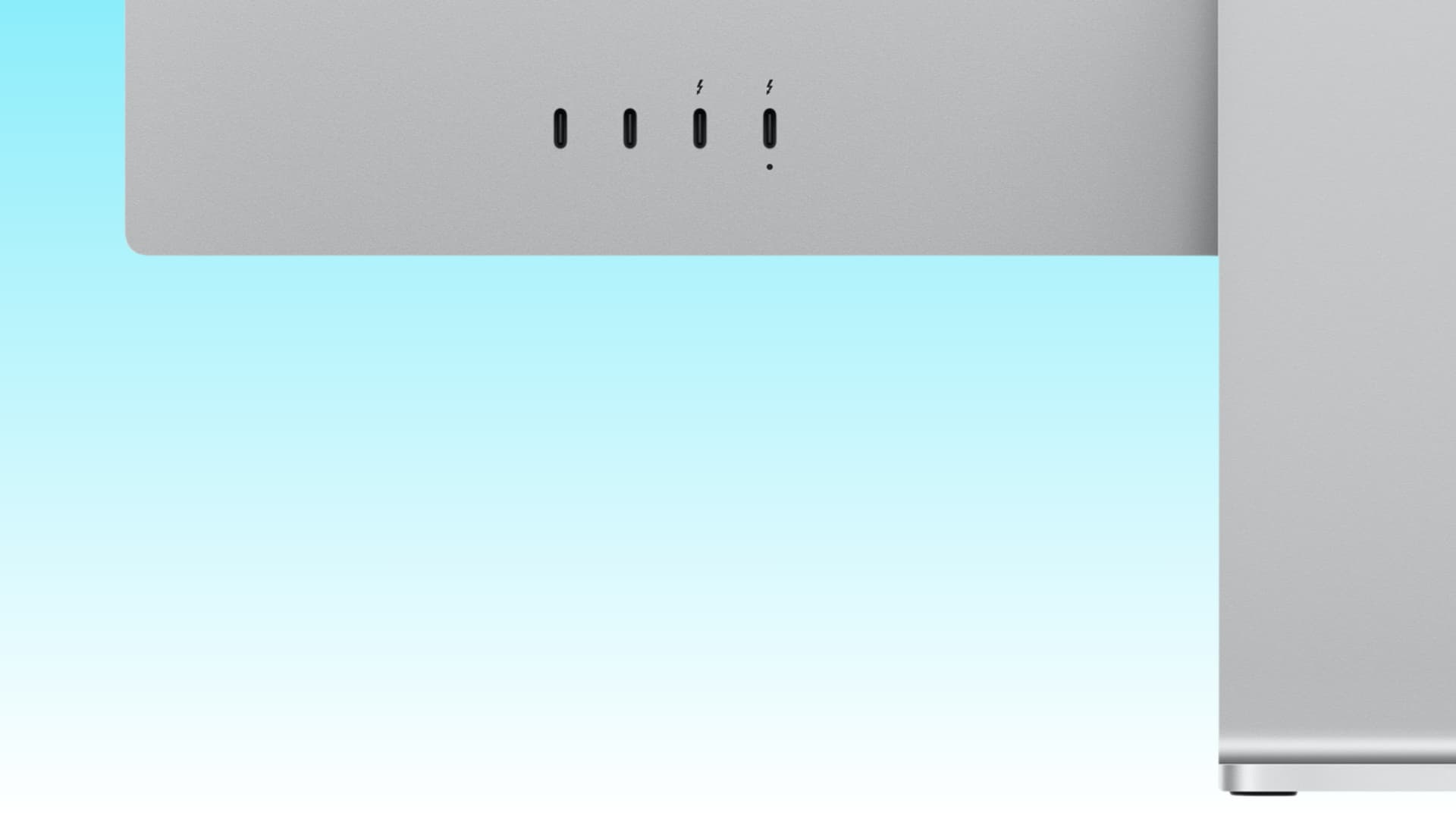
Improved Ports: Both models still have four ports on the back. However, the 2026 model features two Thunderbolt 5 ports and two USB-C (up to 10Gb/s) ports, while the 2022 model had one Thunderbolt 3 port and three USB-C (up to 10Gb/s) ports.
Apple says the new display's two Thunderbolt 5 ports offer:
- One upstream Thunderbolt 5 port (with 96W host device charging)
- One downstream Thunderbolt 5 port for connecting high-speed accessories or daisy-chaining additional displays (up to four additional Studio Displays).
Improved Speakers: Apple states that the six-speaker audio system in the 2026 Studio Display offers “30% deeper bass” compared to the 2022 model.
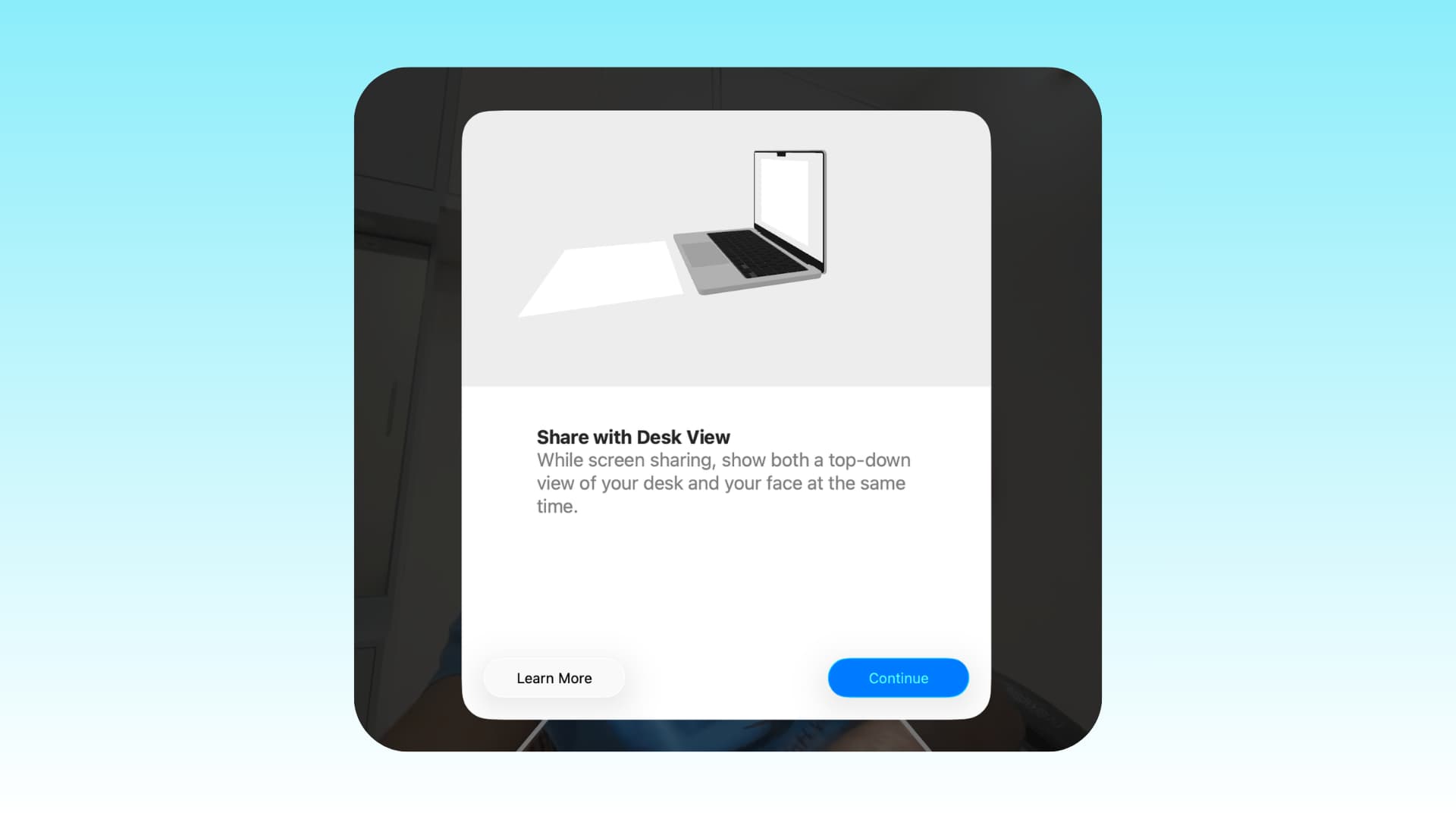
Camera: While both models feature a 12MP Center Stage camera, the 2026 model offers better image quality and includes Desk View support, allowing you to show what’s on your desk during video calls.
Supported Macs: The latest Studio Display and Studio Display XDR will only work with Apple Silicon Macs (M1, M2, M3, M4, M5, and their variants). The 2022 model supported both Intel-based and Apple Silicon chip Macs.
The 2026 Studio Display is compatible with the following Apple Silicon Macs running macOS Tahoe 26.3.1 or later:
- 16-inch MacBook Pro (2021 and later)
- 14-inch MacBook Pro (2021 and later)
- 13-inch MacBook Pro (M1, 2020 and later)
- 15-inch MacBook Air (2023 and later)
- 13-inch MacBook Air (M1, 2020 and later)
- Mac Studio (2022 and later)
- Mac mini (2020 and later)
- Mac Pro (2023 and later)
- 24-inch iMac (2021 and later)
You can also use the new Studio Display with these iPads:
- iPad Pro (M4 and M5)
- iPad Pro 12.9-inch (3rd - 6th generation)
- iPad Pro 11-inch (1st - 4th generation)
- iPad Air (M2, M3, and M4)
- iPad Air (5th generation)
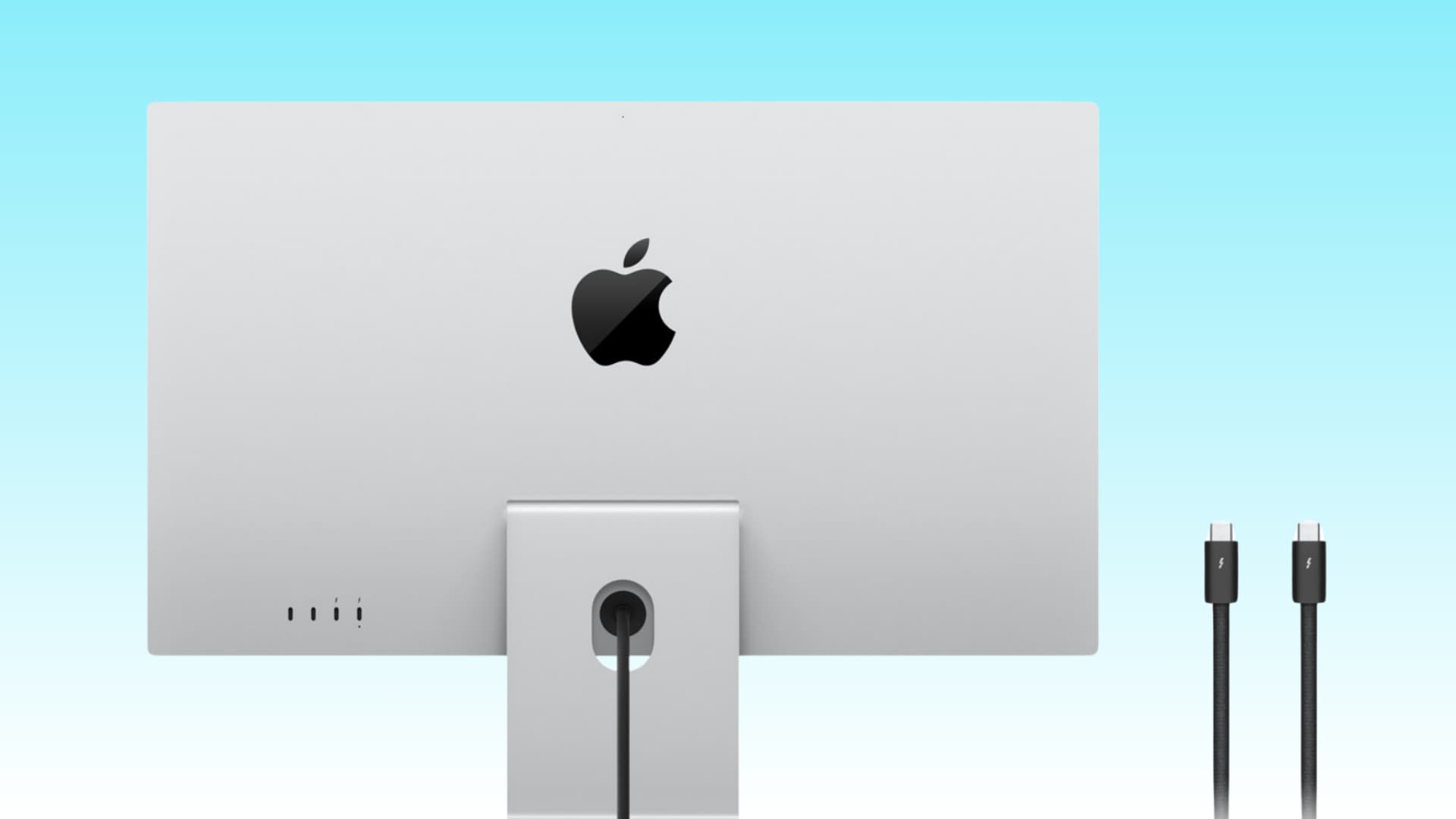
Better Thunderbolt Cable in the Box: With the 2026 Studio Display, you get a 1-meter Thunderbolt 5 Pro cable, unlike the standard Thunderbolt cable included with the older model. Apple sells the Thunderbolt 5 (USB-C) Pro Cable (1 m) separately for $69 in their online and offline stores.
What's Stayed the Same

Name: Apple did not add a “2” or any other suffix to the name “Studio Display.”
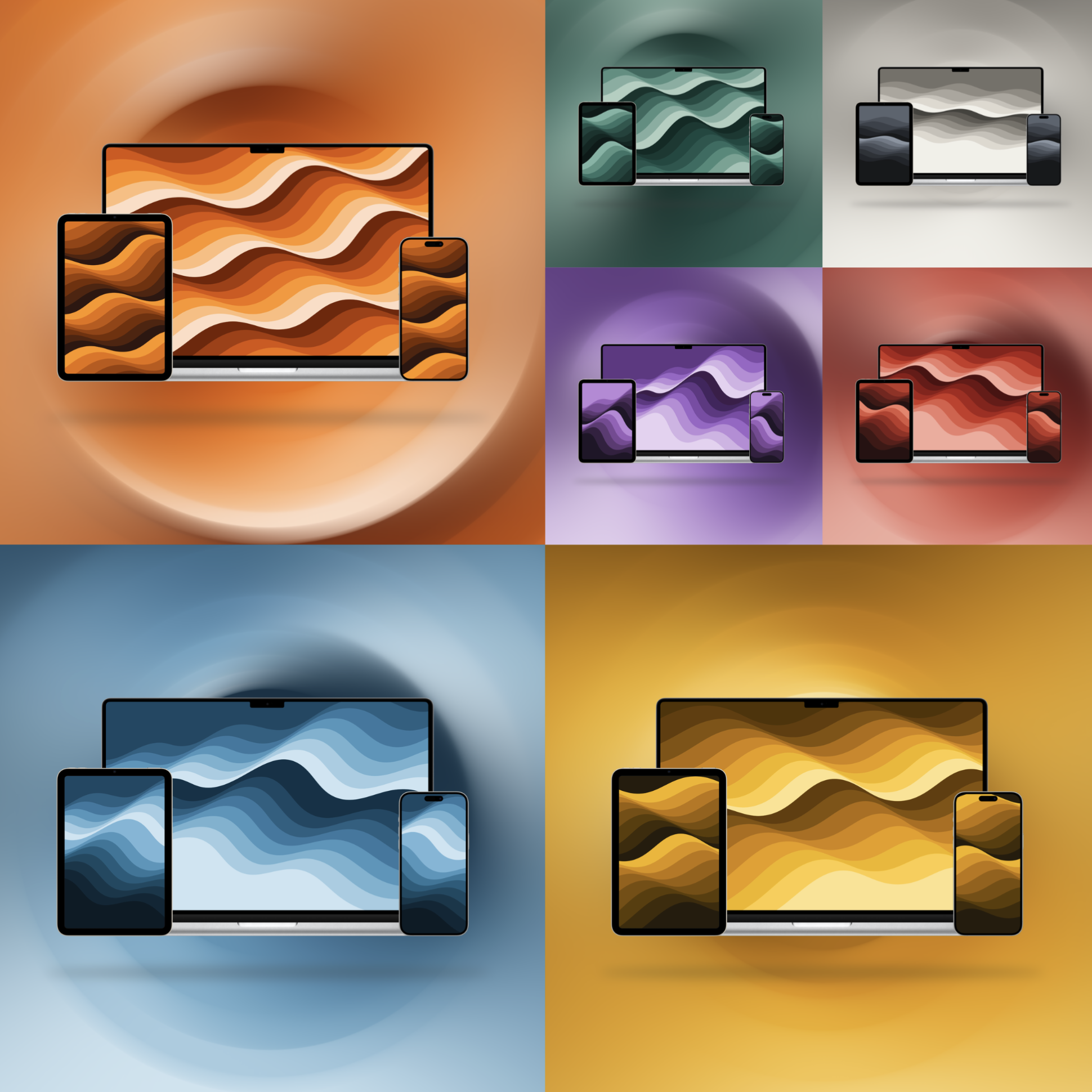
Marketing Wallpaper: Despite the new version being released after four years, Apple still used the same colorful launch wallpaper, making it hard to distinguish between them.
Attention: When purchasing a Studio Display from Amazon or other third-party retailers, be careful of the specifications and launch year to avoid accidentally buying the older model.
Host Device Charging Power: Both the 2022 and 2026 Studio Displays can charge your connected MacBook, iPad, or other devices up to 96W, which is enough to quickly charge a 14-inch MacBook Pro. On the other hand, the Studio Display XDR can provide pass-through charging of up to 140W.
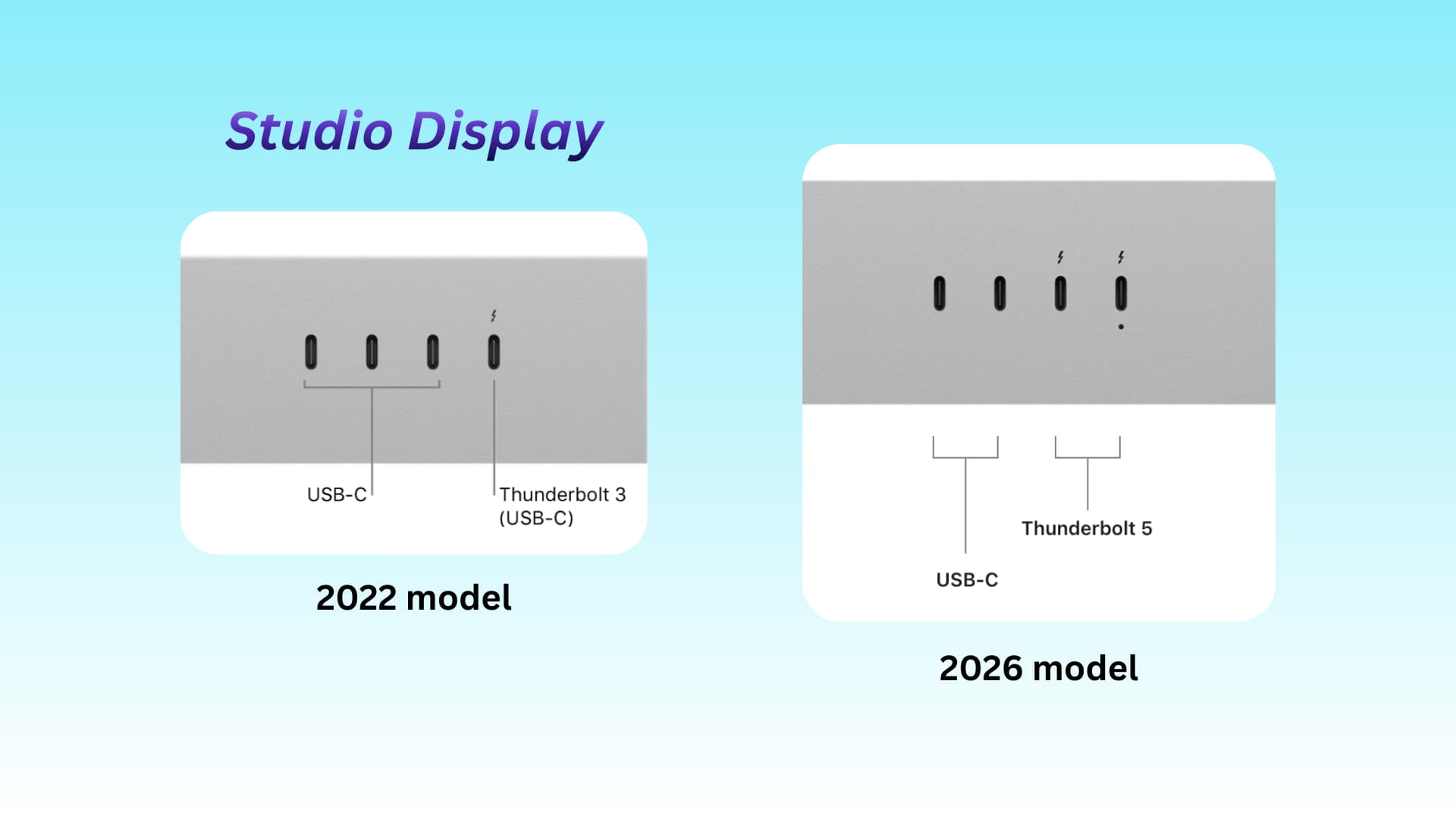
Design and Finish: Both versions have the same look and colors. To differentiate, look at the back; you will see two Thunderbolt ports (lightning icons) on the new models and one on the old 2022 model. Additionally, there is a dot (upstream port indicator) under the first Thunderbolt port on the new model.
Screen: Here are the features that remain the same:
- Screen Size: 27 inches
- Screen Resolution: 5K (5120 x 2880)
- Screen Pixel Density: 218 ppi
- Screen Brightness: 600 nits
- Refresh Rate: 60Hz
- 1 Billion Colors Support
- Wide Color (P3)
- True Tone Support
Same Reference Modes: Both models support the following:
- Apple Display (P3-600 nits)
- HDTV Video (BT.709-BT.1886)
- NTSC Video (BT.601 SMPTE-C)
- PAL and SECAM Video (BT.601 EBU)
- Digital Cinema (P3-DCI)
- Digital Cinema (P3-D65)
- Design and Print (P3-D50)
- Photography (P3-D65)
- Internet and Web (sRGB)
Same Number of Speakers: While Apple claims the speakers in the new 2026 model are better, the number (i.e., six) remains the same.
Same Microphones: Apple refers to these as ‘studio-quality three-microphone array with high signal-to-noise ratio and directional beamforming.’ Both old and new models offer “Hey Siri” support.
Same Dimensions: Both models have the same height, width, and depth. However, the new 2026 model is 0.1 kg lighter with an adjustable tilt and height stand and a VESA mount adapter.
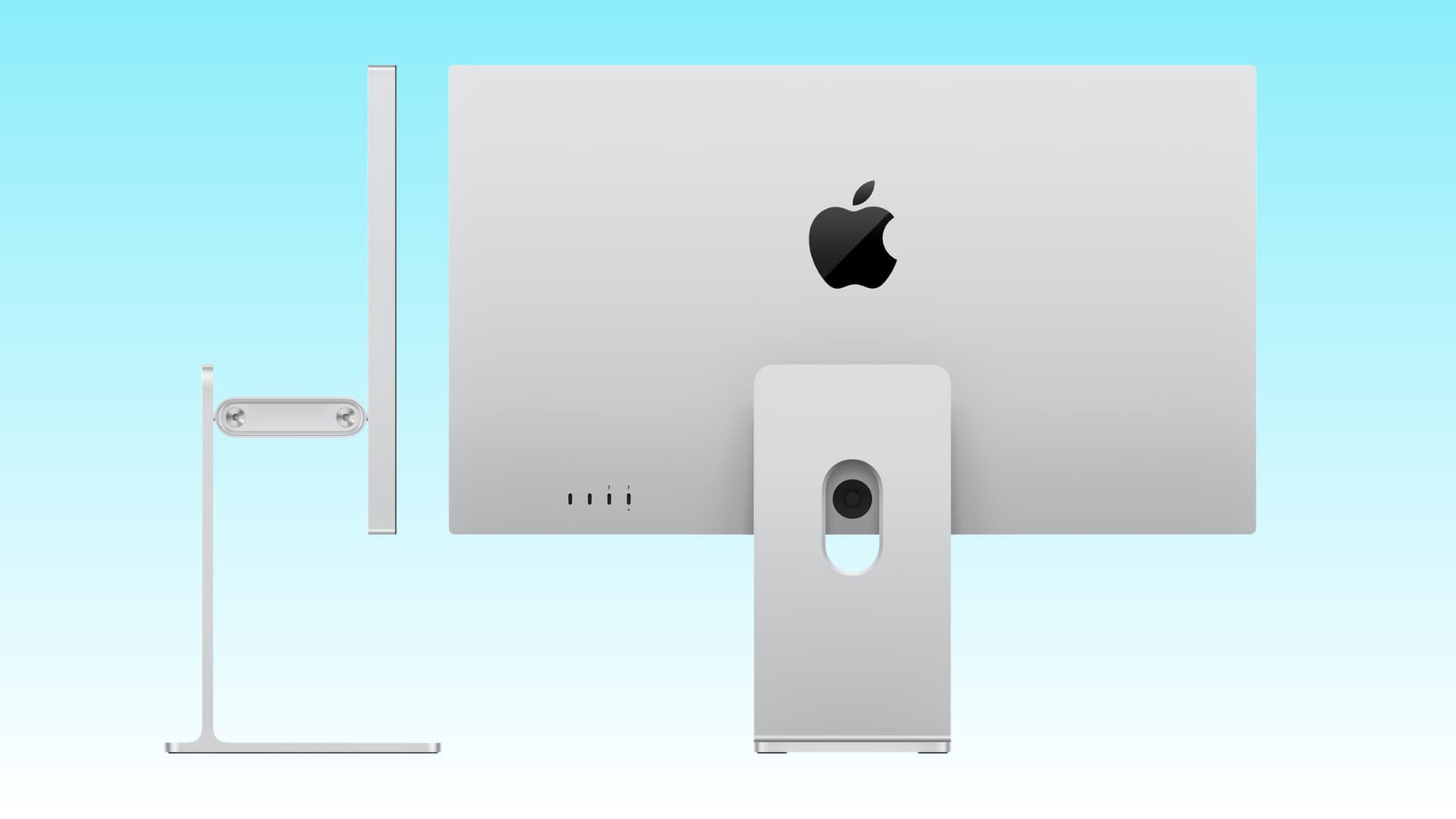
Available in the Same Configurations: If you work near windows with a lot of light hitting the screen, you can opt for the nano-texture glass version, which is more expensive than the standard glass model. Additionally, the same tilt-only or tilt and height adjustable stand options are available. Or you can choose a VESA mount adapter version.
Same Price in the US: The base Studio Display started at $1599 in 2022, and the 2026 model maintains that price. However, there have been price increases in some countries, such as India (159900 rupees for the 2022 model, 189900 rupees for the new one)!
Evaluation
The new 2026 Studio Display is definitely an upgrade over the previous model, especially considering it starts at the same old price. However, the new updates are not revolutionary. I was expecting a 120Hz refresh rate, but Apple did not add that to the standard model.
Overall, it’s an outstanding monitor that offers an excellent external display experience for Mac owners with deep pockets. However, current Studio Display owners will find little reason to upgrade unless they consider the pricey XDR version.
What do you think about the new Studio Display? Are the upgrades sufficient for you, or would you like to get one?










Comments
(9 Comments)